
The WAV format (Waveform Audio File Format) is an uncompressed audio container by Microsoft and IBM that stores raw PCM data — preserving 100% of original sound quality. It uses roughly 10 MB per minute of audio at CD quality. In 2026, WAV remains the standard for professional mastering, studio recording, and AI audio workflows.
WAV Technical Structure
| Component | Role |
|---|---|
| RIFF Header | Identifies file format and overall structure |
| fmt Chunk | Sample rate, bit depth, channels, byte rate |
| data Chunk | Raw PCM audio samples |
Wikipedia notes WAV launched in 1991 as the native uncompressed sound format for Windows.
Bit Depth and Sample Rate Settings
| Setting | Bit Depth | Sample Rate | File Size (per min) | Use Case |
|---|---|---|---|---|
| CD Quality | 16-bit | 44.1 kHz | ~10.1 MB | Standard digital distribution |
| Film/TV | 16-bit | 48 kHz | ~11 MB | BBC broadcast standard per Wikipedia |
| Professional Studio | 24-bit | 48 kHz | ~16.5 MB | Film, TV, studio production |
| High-Res | 24-bit | 96 kHz | ~33 MB | Archival, mastering |
| 32-bit Float | 32-bit float | 48 kHz+ | ~22 MB+ | Field recording, clipping prevention |
Flipper File confirms CD-quality audio requires 10.1 MB per minute.
32-bit Float: Clipping Prevention
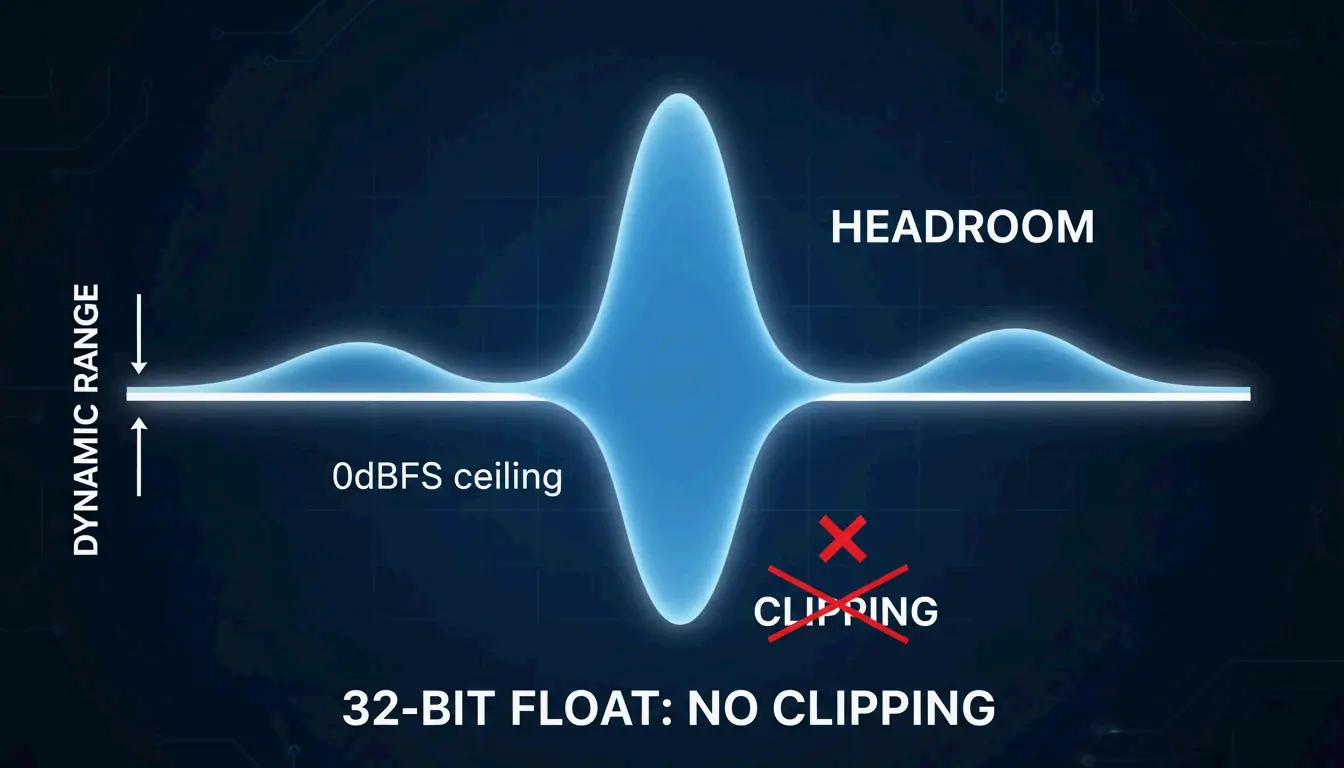
32-bit float offers a dynamic range of up to 1,528 dB, making it nearly impossible to clip during recording. If audio exceeds the input level, you can recover it perfectly in post-production — impossible with 16-bit or 24-bit.
WAV vs. FLAC vs. MP3
| Format | Compression | Quality | Size (per min) | CPU Decode | Best For |
|---|---|---|---|---|---|
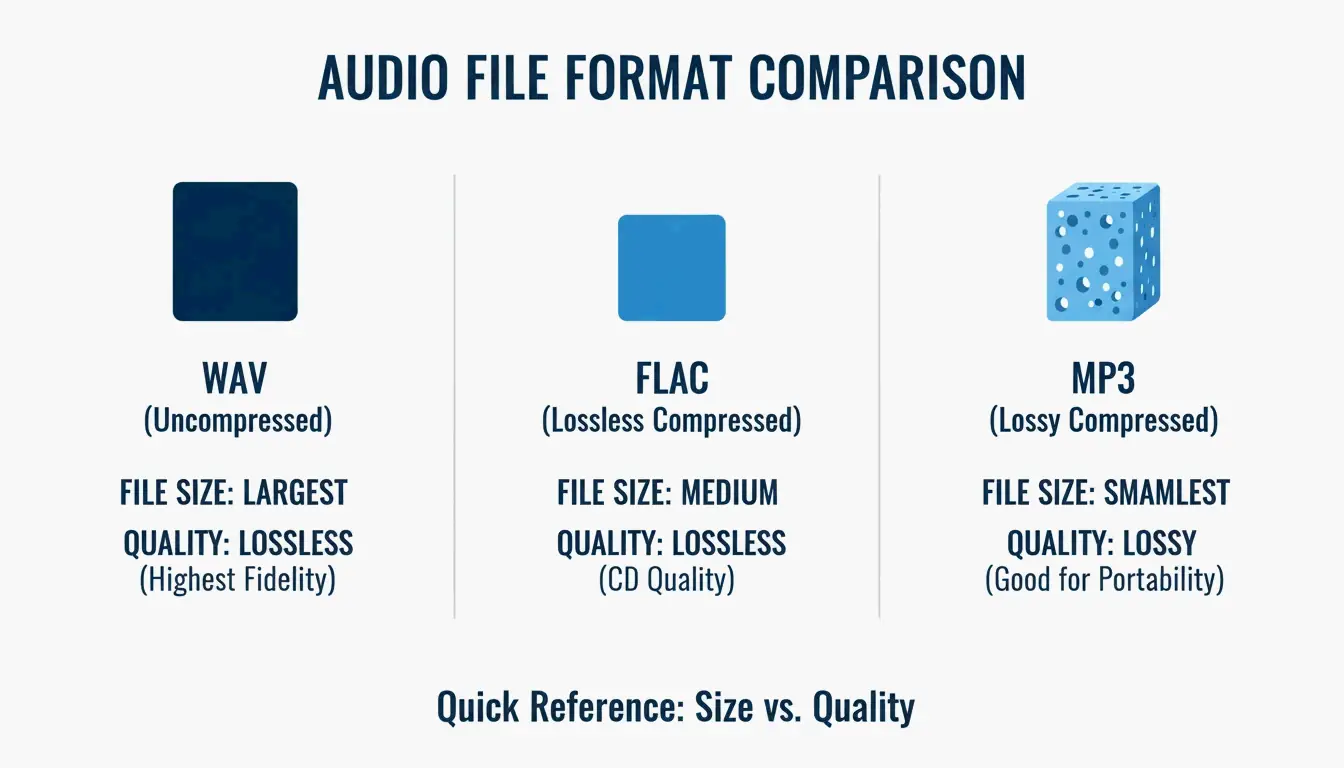
| WAV | None (raw PCM) | 100% lossless | ~10 MB | Zero | Recording, mixing, DJing |
| FLAC | Lossless | Mathematically identical | ~5 MB | Low | Archival, streaming |
| MP3 | Lossy | Perceptually close at 320 kbps | ~2.4 MB | Low | Casual listening, sharing |
Studio Supplies notes FLAC reduces size by 50–60% while keeping audio mathematically identical. Per FastPix, even pro engineers struggle to distinguish 320 kbps MP3 from WAV in blind tests — but discarded MP3 data is gone forever.
The 4GB File Size Limit
The original RIFF header uses a 32-bit unsigned integer for file size, capping at 4 GB. Workarounds:
| Extension | Max Size | Maintainer |
|---|---|---|
| RF64 | Virtually unlimited | European Broadcasting Union |
| W64 | Virtually unlimited | Sound Forge |
WAV for AI Audio Workflows (2026)
FastPix reports AI noise reduction and frequency repair tools require lossless source files. Starting from MP3 deprives AI models of the high-frequency data they need — WAV is the only way to get professional AI audio results.
Conversion: FFmpeg Commands
ffmpeg -i input.wav -codec:a libmp3lame -b:a 320k output.mp3

# WAV to FLAC
ffmpeg -i input.wav -codec:a flac output.flac

# WAV to OAC (Open Audio Codec, 2026)
ffmpeg -i input.wav -codec:a libopus -b:a 128k output.opus
Loudness Normalization (EBU R128)
Modern platforms normalize to -23 LUFS per EBU R128 standard. FastPix offers automated normalization to ensure consistent volume across platforms.
2026 Streaming Landscape
| Platform | Lossless Support | Codec |
|---|---|---|
| Spotify | Added late 2025 | FLAC/ALAC |
| Apple Music | Yes (since 2021) | ALAC |
| Amazon Music | Yes | FLAC |
| YouTube | Supports WAV uploads | Transcodes to AAC/Opus |
The global audio codec market is valued at $13.07 billion in 2026 (Fortune Business Insights).
Conclusion
Use WAV for all recording, mixing, and production work — zero CPU overhead, maximum quality. Switch to FLAC for archival storage (50–60% smaller, mathematically lossless). Use MP3/OAC only for final delivery to listeners. For AI audio workflows, always start from WAV.
FAQ
Is WAV truly lossless compared to FLAC?
Both are lossless with identical audio data. WAV is uncompressed (raw), FLAC is compressed (smaller). WAV is preferred for active editing because the CPU doesn’t need to decompress in real time.
Why are WAV files limited to 4 GB?
The RIFF header uses a 32-bit unsigned integer for file size. Use RF64 or W64 extensions for long-form recordings exceeding 4 GB.
Can I convert MP3 back to WAV to restore quality?
No. MP3 permanently discards data via perceptual coding. Converting MP3 to WAV creates a larger file but cannot reconstruct lost harmonics. The result only matches the source MP3 quality.
Does YouTube recommend WAV for uploads?
Yes. YouTube re-encodes all audio to AAC or Opus, so uploading WAV ensures the highest-quality source for transcoding, minimizing generation loss.
Leave a Reply