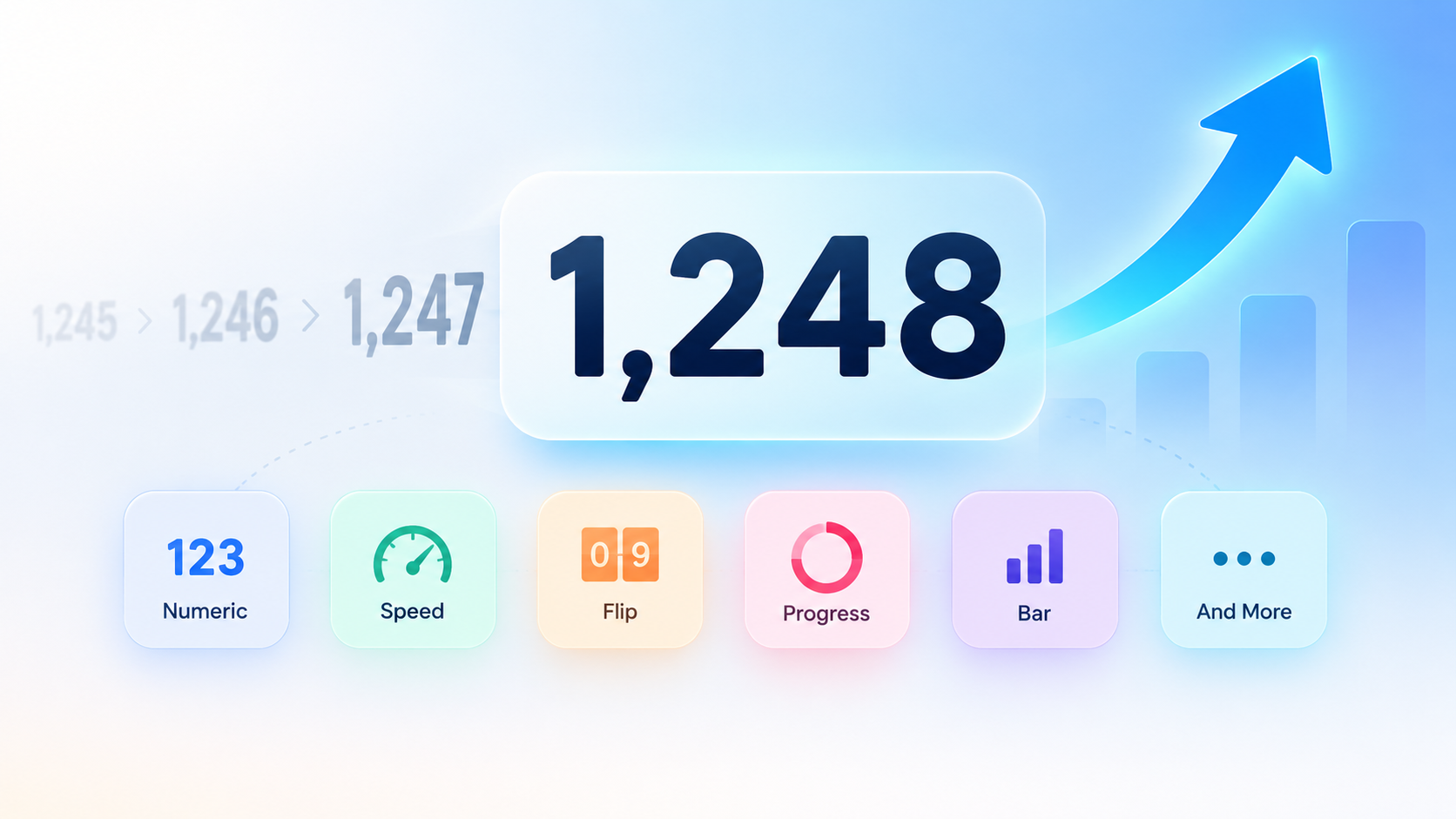
A number counter is any tool or component that increments a value. It could be an online tally clicker, an animated count-up stat on a website, or a dynamic number in slides and video. Pick your platform, then set the target value, duration, and easing.
What Is a Number Counter? Definition and Core Mechanics
A number counter is any tool or component that increments a value. It could be a tally clicker in a browser tab, an animated count-up statistic on a page, or a dynamic number in slides and video. The thing they share is the increment itself, not the medium. That’s why a physical clicker and a JavaScript count-up are in the same category.
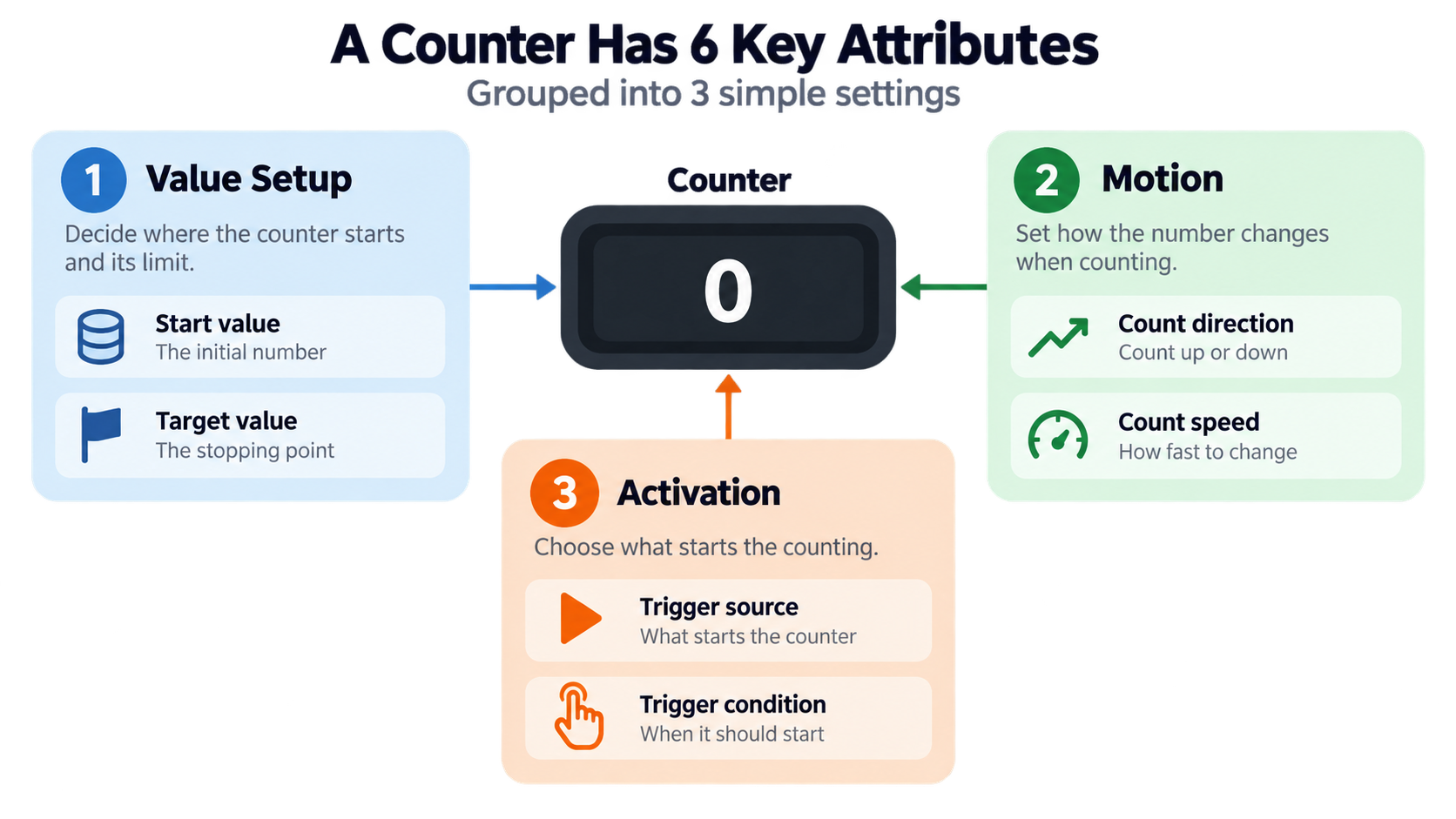
Since a counter is defined by the increment rather than the platform, the same basic idea works across very different outputs. Every number counter—whether it’s a click tool or a web animation—is built from six parts: start value, target value, step (usually 1), duration, easing, and trigger.
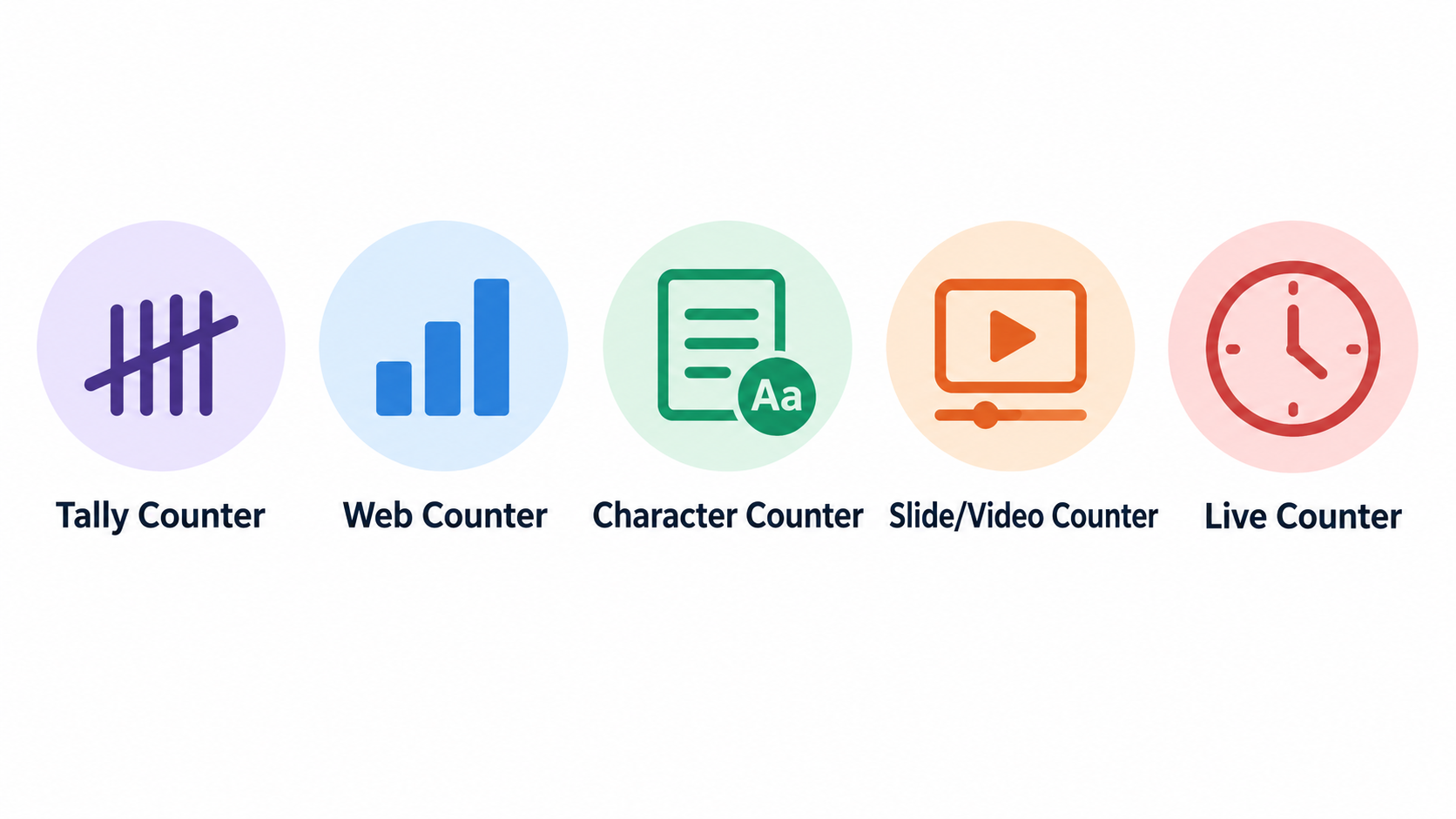
Most use cases fall into five families. Tally or click counters add one event per tap. Animated web stat counters reveal a fixed figure on a page. Character counters measure text as you type. Slide and video counters animate a number inside a deck or rendered clip. Live data clocks count continuously against a changing source, not toward a fixed target. A live example is the U.S. Census Bureau Population Clock: as of September 30, 2026, it showed 342,775,604 U.S. residents, with one birth every 8 seconds, one death every 11 seconds, and a net gain of one person every 26 seconds, according to the U.S. Census Bureau.
The Six Parts Every Number Counter Shares
Every number counter, whether a browser click tool or a web animation, is configured by the same six attributes:
- Start value — where the count begins (usually 0)
- Target value — the final figure
- Step — how much each increment adds (usually 1, but character counters track every keystroke)
- Duration — how long the climb takes
- Easing — how the speed accelerates or decelerates
- Trigger — what starts the count (a click, a viewport entry, a slide build, or a system clock)
For a tally counter, the step is 1 and the trigger is a manual click. For an animated web statistic, the step is a computed increment and the trigger is a viewport intersection. The six parts stay fixed; only their settings change.
Which Number Counter Do You Need? A Five-Type Decision Table
Existing results are siloed by platform—a dictionary entry, a Divi 5 module page, a tally tool, a paid snippet, a PowerPoint tutorial—so no single page helps you choose a type. The decision table below does that.
| Use case | Counter type | Where it runs | Trigger | What it must persist |
|---|---|---|---|---|
| Counting reps, attendance, inventory, outreach | Tally / click counter | Browser tool | Manual click | Local (browser) persistence |
| Proving a statistic on a landing page or dashboard | Animated web stat counter | JavaScript or CMS module | Viewport entry | Nothing persisted |
| Fitting copy into a limit | Character counter | Browser tool | Keystroke | Live character, word and space totals |
| Revealing figures in a deck or video | Slide / video counter | PowerPoint/WPS, After Effects | Slide build or keyframe | Fixed target |
| Continuously changing public data | Live data clock | Server-rendered or scripted | Wall clock | External data source |
Rows 1 and 3 continue in the use-case section below. Rows 2 and 4 continue in the build and platform sections.
How Do You Build an Animated Number Counter in Vanilla JavaScript?
The full working code is right here, inline. No €9.90/month paywall, no page-builder lock-in, no After Effects dependency. You need three pieces: an HTML block of stat cards, a CSS rule for tabular-nums, and a script tag.
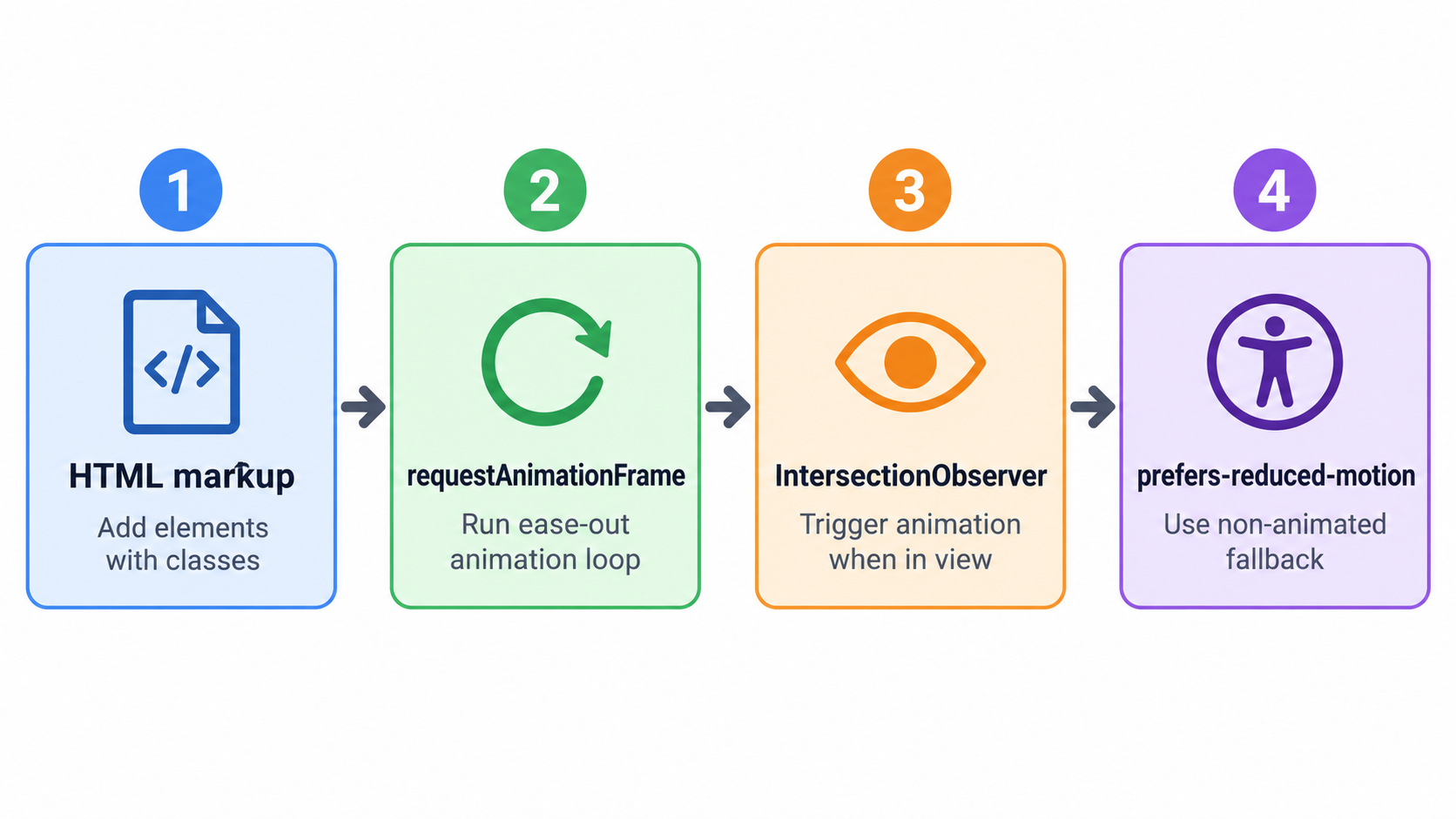
Each stat card carries data-target and optional data-suffix or data-prefix attributes, so the same script drives every figure. According to Linkora-social issue #191 (opened September 21, 2026), the required behavior for creator dashboard stat cards is a 0-to-final climb over 1.2 seconds using requestAnimationFrame—no library dependency, ease-out, and respecting prefers-reduced-motion.
Step 1: Mark Up the Target, Suffix and Step Size
Start with the HTML. Each stat card holds a value element with its target:
<div class="stat-card">
  <div class="stat-value" data-target="2847" data-suffix="">0</div>
  <div class="stat-label">Users</div>
</div>
Add font-variant-numeric: tabular-nums to the value element. That keeps digit widths from jittering and stops the surrounding layout from shifting while the number climbs. If a card needs a unit, either put it in data-suffix or write it in a sibling <small> element. Step size stays at 1 for whole-number statistics, unless you’re counting batches by hand.
Step 2: Write the requestAnimationFrame Loop with Ease-Out
Set the duration in milliseconds — 1200 ms is the baseline from the Linkora-social requirement. Derive progress from elapsed time, not from frames completed:
function animateCounter(el) {
  const target = parseInt(el.getAttribute('data-target'), 10);
  const suffix = el.getAttribute('data-suffix') || '';
  const duration = 1200;
  const start = performance.now();

  function update(now) {
    const progress = Math.min((now - start) / duration, 1);
    const eased = 1 - Math.pow(1 - progress, 3); // cubic ease-out
    const current = Math.floor(eased * target);
    el.textContent = current + suffix;
    if (progress < 1) requestAnimationFrame(update);
    else el.textContent = target + suffix;
  }
  requestAnimationFrame(update);
}
Don’t count frames. Compute progress from elapsed time so a 121 fps display and a 60 Hz display finish together.
Step 3: Fire the Count Once with IntersectionObserver
Trigger once when the element enters the viewport, then stop observing so the count never replays when you scroll back. The Effect.Labs CSR report example shows this pattern exactly: six figures in a three-column grid, a counter climbing 0 → 918, fired once by an IntersectionObserver with threshold 0.3.
const observer = new IntersectionObserver((entries) => {
  entries.forEach(entry => {
    if (entry.isIntersecting) {
      animateCounter(entry.target);
      observer.unobserve(entry.target);
    }
  });
}, { threshold: 0.3 });

document.querySelectorAll('.stat-value').forEach(el => observer.observe(el));
If the grid is above the fold, it fires on load with no interaction. If it’s below, it waits for the user to scroll into the threshold.
Step 4: Add the prefers-reduced-motion Short-Circuit
Write the final value directly on load — no animation, no intermediate frames:
const reduce = window.matchMedia('(prefers-reduced-motion: reduce)').matches;
if (reduce) {
  document.querySelectorAll('.stat-value').forEach(el => {
    el.textContent = el.getAttribute('data-target') + (el.getAttribute('data-suffix') || '');
  });
} else {
  // set up observer as above
}
This is not a shortened animation. It’s a bypass—the number is simply there.
Count-Up Animation Duration and Easing: Frames vs Milliseconds
Here’s a pitfall no competitor explains: when duration is expressed as a frame count, the same counter runs at different real speeds on different displays. Effect.Labs measured this (updated September 30, 2026): a 125-step climb took 2.08 seconds on a 60 Hz screen but 1.04 seconds at 121 fps, using a step of 22.78 per frame for a target of 2,847.
The rule: calculate progress as elapsed time divided by duration, never as frames completed. That one change makes the counter finish at the same real-world speed on a 30 Hz laptop in power-saving mode and a 121 fps Chromium.
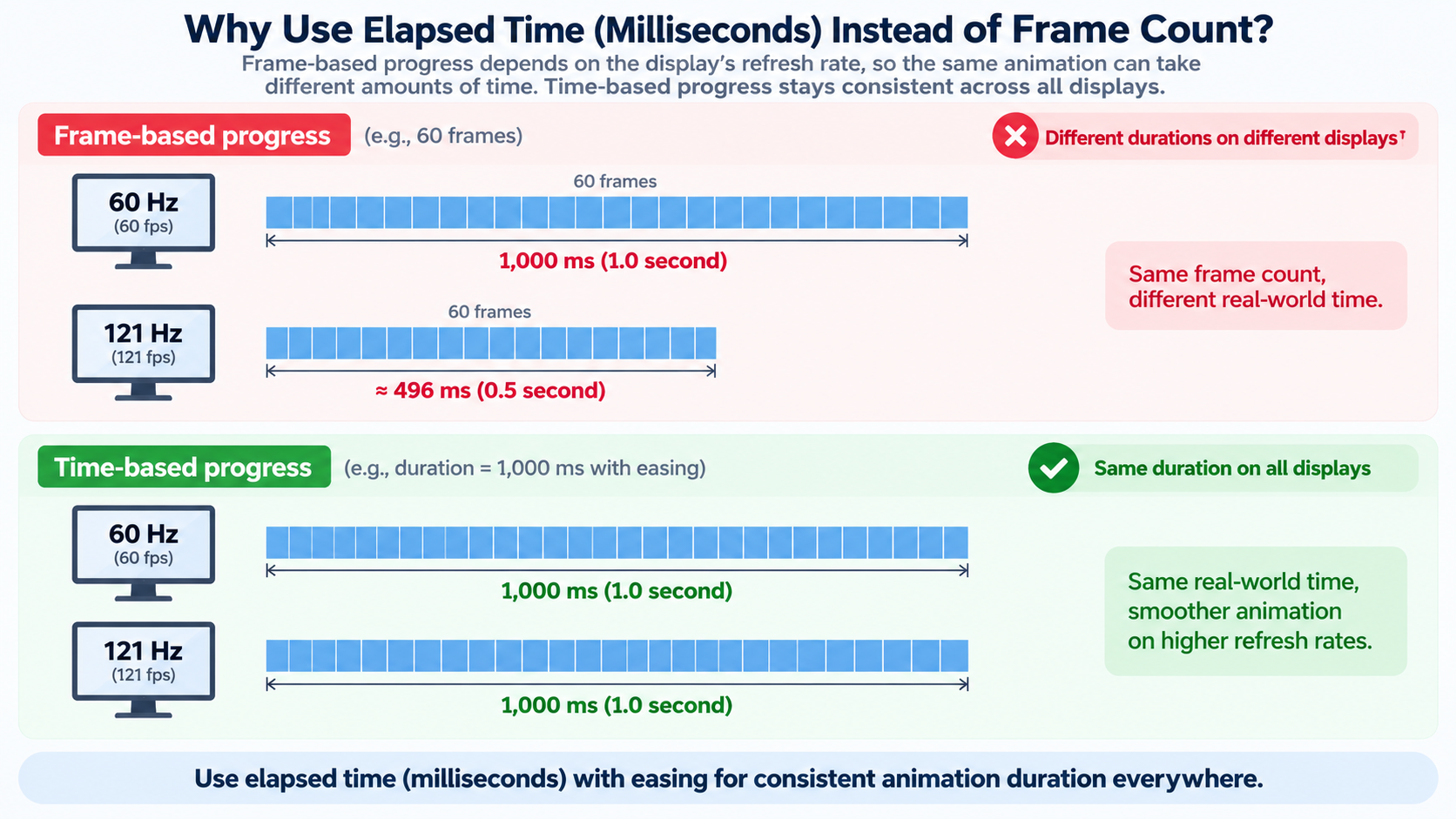
Easing guidance by content type: use ease-out for a single hero number so it decelerates into the final value. Use a near-linear climb for equal-weight statistics that should feel simultaneous. Duration guidance by content type: about 1.2 seconds for dashboard stat cards, shorter for rows of four or more figures revealed together. Frame-count animation is still fine for fixed-frame video and slide output, where the author controls the frame rate.
Animated Number Counter Accessibility and Performance Checks
Only one source on the SERP touches these trade-offs, and it hides them inside a paid product page. The checks below are the ones that matter most.
Screen readers: A screen reader that lands mid-climb reads an intermediate value. Hide the climbing digits with aria-hidden="true" and put the final value in an aria-label on the card. According to the Effect.Labs municipal election example, four equal-weight figures (registered voters, votes cast, spoilt ballots, turnout) were animated together in a four-card row with threshold: 0.5, each card carrying an aria-label with the final value and the animated digits hidden from assistive technology.
Do not use aria-live: Wrapping a climbing number in an aria-live region announces every intermediate value and stutters. Keep the live region off the climbing element.
Reduced motion: prefers-reduced-motion must write the final value immediately rather than shortening the animation. A shortened animation still triggers motion sensitivity; a direct write does not.
tabular-nums: font-variant-numeric: tabular-nums stops digit widths from jittering and the surrounding layout from shifting. Without it, every frame reflows the card.
Contrast: Gradient-filled digits at body-text sizes measured as low as 4.4:1 in the Effect.Labs example. Keep the counter text at or above the 4.5:1 threshold for body text.
Performance: Use one observer for a whole grid, unobserve after firing, and update via textContent rather than innerHTML to avoid re-parsing the DOM on every frame.
Number Counters Without Code: Tally Tools, PowerPoint, After Effects and Divi 5
A free online number counter doesn’t require an account—click to add or subtract, set a custom step size, use keyboard shortcuts, and the count stores locally in your browser. The privacy trade-off is clear: browser-local counting leaves nothing on a server, but clearing your browser data clears the count.
PowerPoint and WPS Presentation apply the Dynamic Number effect to a text box or table cell, controlled by the slide’s animation timeline. After Effects uses the Numbers preset with Slider Control, where a slider keyframe range supplies the start and end values and the results can be rendered to MP4. Divi 5 provides number, circle, and countdown counter modules, configured through a visual panel instead of a script.
Version anchoring keeps instructions correct. IntersectionObserver has shipped since Chrome 51, Firefox 55, and Safari 12.1; the background-clip: text shorthand used for gradient digits works in Chrome and Edge 120+, Firefox 49+, and Safari 14+, per Effect.Labs compatibility notes. Skip the code path when slides and video handle one-off storytelling, or when a non-developer owns the site and a page-builder module is the safer maintenance choice.
Browser Tools: Tally, Click and Character Counters
A free online tally counter like tallycount.online runs without an account. You can create multiple counters, organize them into categories, set custom step sizes (2s, 5s, 10s, or any value), enable negative counting, and rely on automatic browser saving. This is the right row in the decision table when privacy beats persistence—nothing is stored server-side, but clearing browser data wipes the count. For counting that also needs a target goal with visual progress tracking, a dedicated online number counter adds named counters, quick presets, CSV export, and 30-day totals on top of the same no-account, browser-local setup.
Slides and Video: PowerPoint, WPS and After Effects
According to the WPS Office Academy (September 14, 2026), you can apply the Dynamic Number effect to a text box or table cell, control it from the slide timeline, and hold Ctrl to select multiple number boxes and add the effect once. In After Effects, the Numbers preset paired with Slider Control uses keyframe values for start and end, and the composition can be rendered to MP4 for fixed-frame output.
What Is a Number Counter Used For? Six Real-World Workflows
Each audience below needs a specific counter type and a specific increment behavior—not a generic one-line link.
Cold callers and outreach teams use a click counter with a step of 1 and a daily reset. Counting in-browser keeps prospect details off paper.
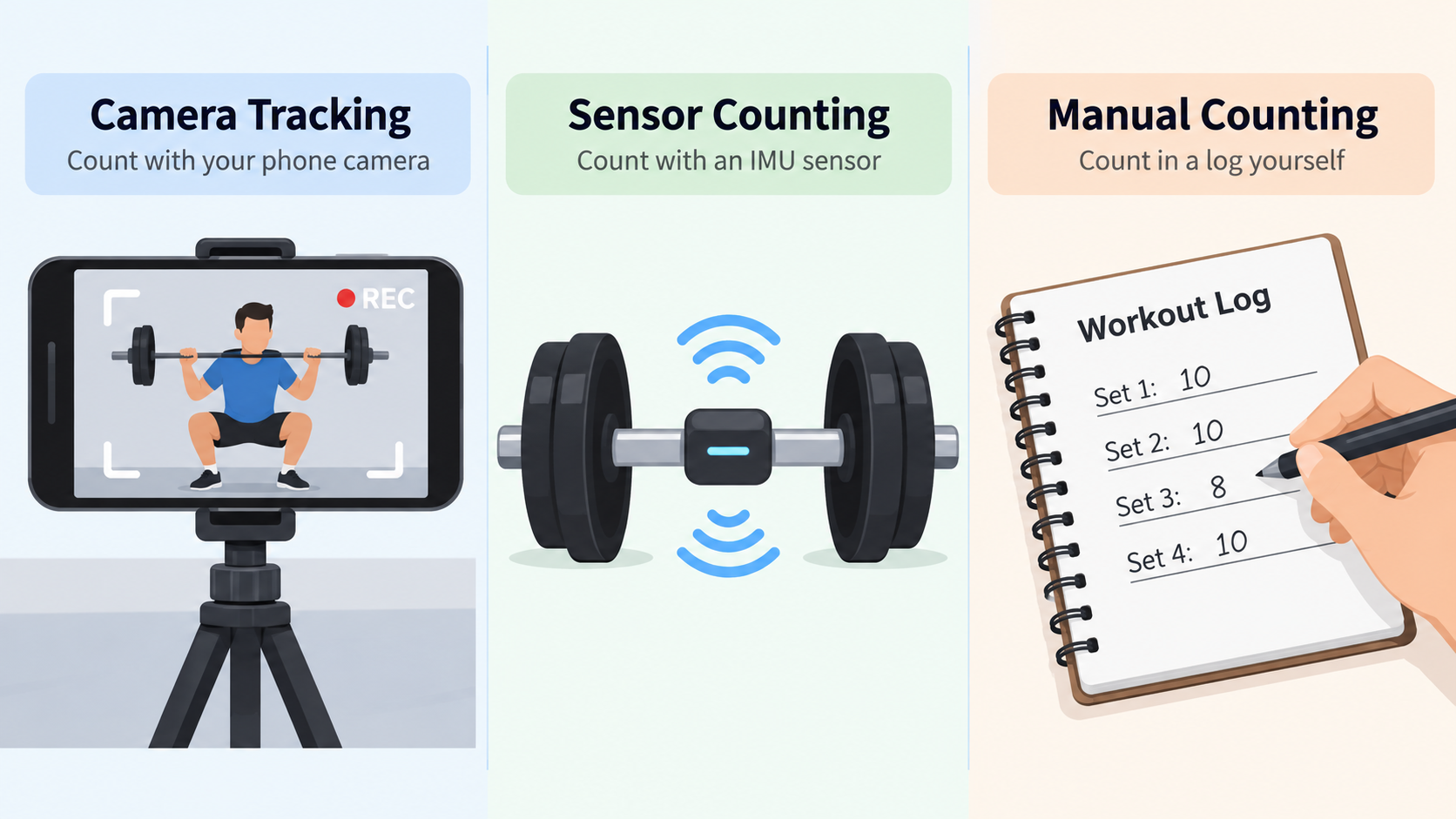
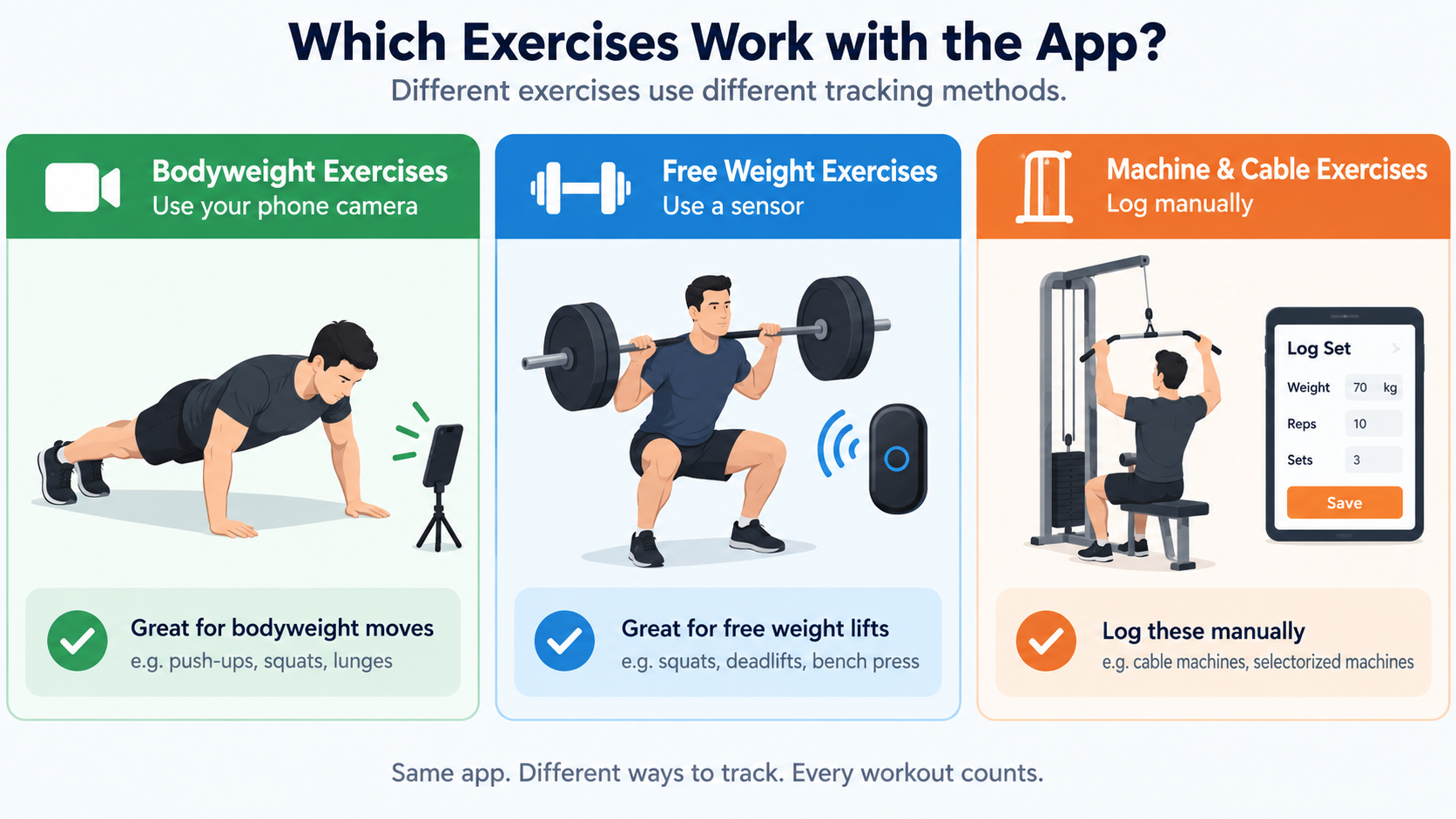
Gym-goers and coaches need rep counting with a step of 1 and a decrement button for miscounts.
Teachers and event staff count attendance and guests, where a negative step corrects over-counts without resetting the total.
Warehouse and inventory teams run cycle counting on a clicker, where the final total must reconcile against the system figure.
Devotional counting (Tasbih/Zikar) and habit tracking rely on persistent local counts that survive a page refresh.
Character and number counting is its own category. According to easycalculator.org (updated September 20, 2026), a standard SMS is limited to 160 characters, Google search titles cut off after around 60 characters, and Twitter/X posts are capped at 280. Reading time averages 200 words per minute and speaking time 130.
A counter can also act as a data-integrity check instead of a display. According to HPC-SimTools/IPS-framework issue #258 (opened September 25, 2026), a sequence number counter on the Portal Bridge must increment by exactly 1 per event, because a missing number in the sequence implies a missing event.
Live data clocks close the list. The U.S. Census Bureau ranked the most populous countries as of July 1, 2026: India at 1,429,700,205; China at 1,405,918,803; and the United States at 342,620,143.
Conclusion
A number counter is one idea—increment a value—wearing five different costumes. So the real decision is picking the type, not the platform. Pick your row in the decision table, then copy the vanilla JavaScript counter from Steps 1–4 if you’re building for the web. Or jump to the no-code section if a page builder, deck, or video tool already owns the output. Either way, set the duration in milliseconds and ship the reduced-motion fallback before you publish.
FAQ
What is the difference between a number counter, a tally counter, and a character counter?
All three increment a value; the difference is what gets counted. A tally counter adds whole events on a click. A character counter measures the length of text as you type. A number counter is the umbrella term covering both, plus animated web counters. Choose by unit: events, characters, or a statistic you want to reveal.
How long should an animated number counter take to finish?
About 1.2 seconds with an ease-out curve is a reliable default for a single hero or stat-card figure. Rows of four or more equal-weight figures should run shorter so they finish together. Measure duration in milliseconds, not frames—a frame-based climb runs at different speeds on 60 Hz and high-refresh displays.
Do animated number counters hurt accessibility or SEO?
Not if the final value is in the HTML and the climbing digits are hidden from assistive technology with aria-hidden plus an aria-label. Avoid aria-live on a climbing number, which announces every intermediate value. Crawlers read the static final value, so the animation itself has no SEO cost—only the missing static text would.
Can you build a number counter without JavaScript?
For tally counting, yes—a free online click counter or a physical clicker needs no code. For a one-time count-up on a page, CSS-only tricks exist but cannot read a target value or respect reduced-motion cleanly. For slide and video output, the Dynamic Number effect in PowerPoint/WPS or the After Effects Numbers preset replaces code entirely.
What is a number counter used for in real life?
Attendance, reps, inventory audits, guest counting, and outreach logging. Proving statistics in CSR reports, dashboards, and election results. Fitting copy to limits—SMS at 160 characters, X posts at 280—and verifying data integrity when a sequence must advance by 1.