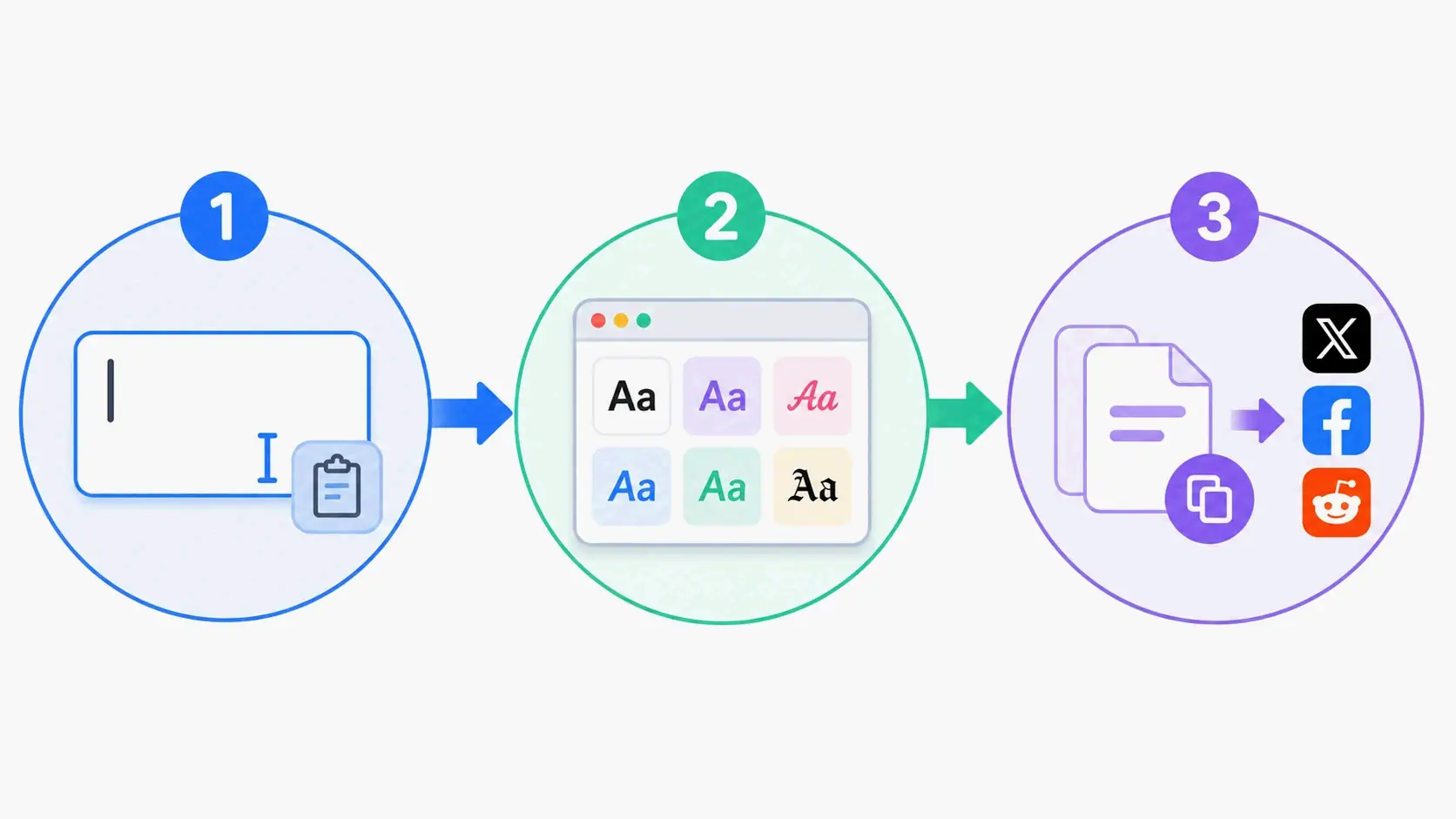
Somewhere between a marketing team boosting email open rates with Unicode characters and a tattoo artist pulling up a font preview on their phone during a consultation, a single question threads through both scenes: how do you make text look different without installing anything? The answer has quietly reshaped how millions of people present themselves online. Font generators — tools that transform plain text into styled copy-paste output — have moved from novelty utilities to essential pieces of the social media, branding, and design toolkit. The shift happened fast enough that the terminology itself is still catching up: “font generator” means two fundamentally different things depending on whether you need a quick Instagram bio upgrade or a custom typeface for a brand identity system. That confusion is a sign of a category still defining its boundaries, and the data suggests the demand is only accelerating.
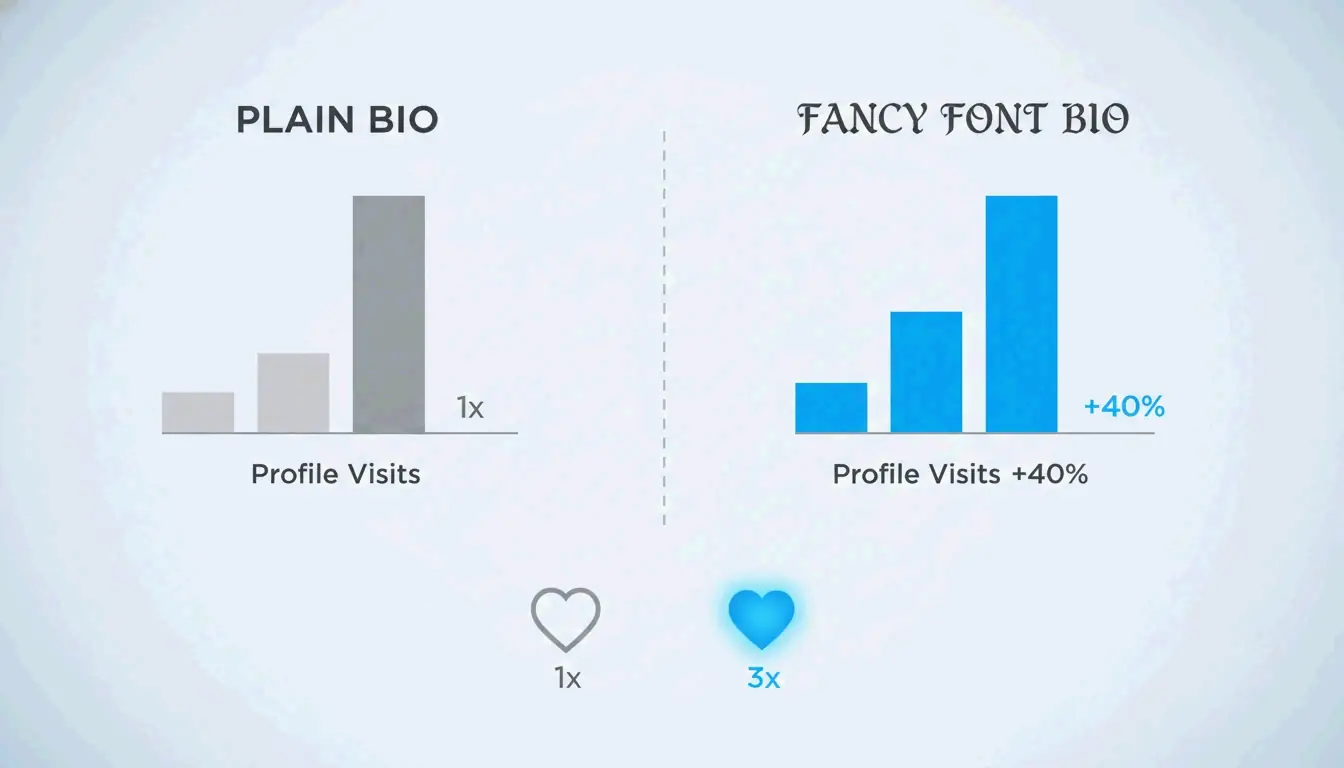
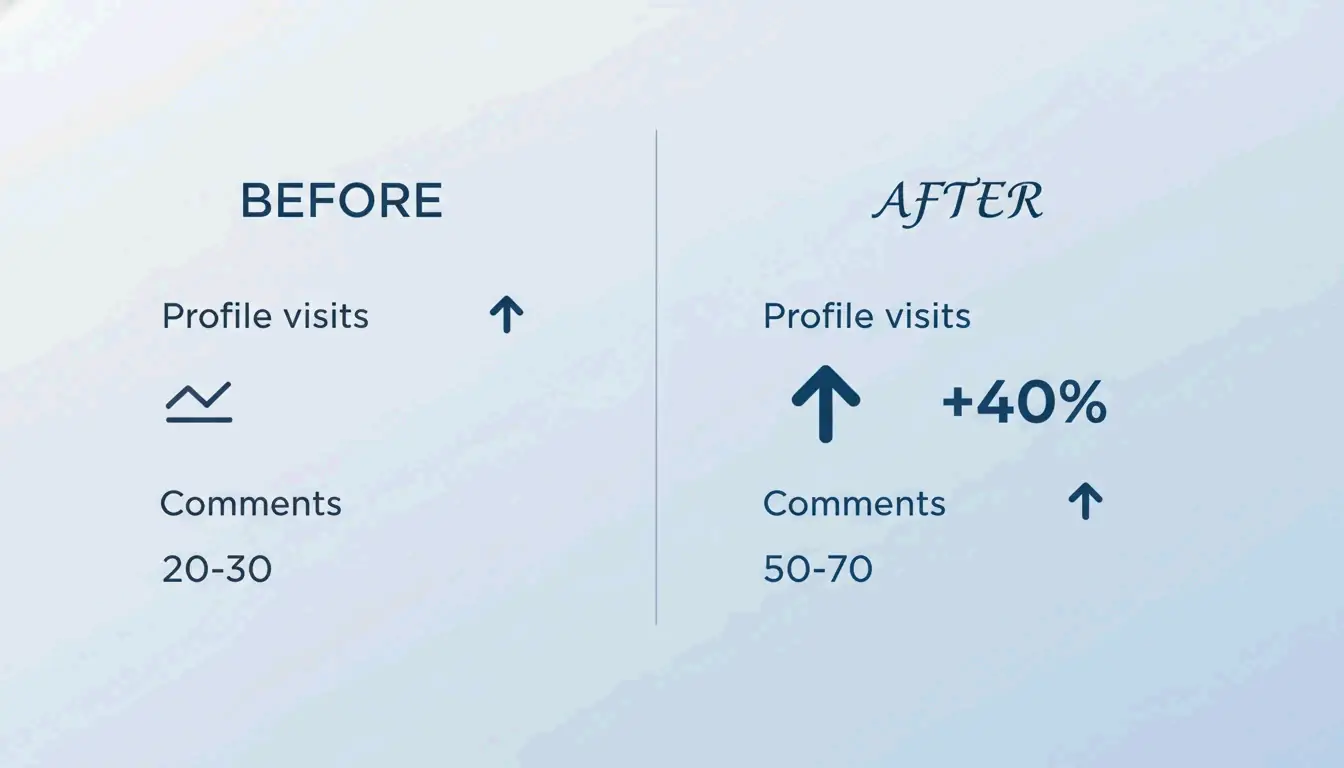
Three forces are driving this moment. First, Unicode’s Mathematical Alphanumeric Symbols block — the technical backbone of every copy-paste font tool — received a meaningful expansion in Unicode 16.0, filling gaps that previously left certain styles with missing characters. Second, AI-powered font creators have emerged as a parallel category, compressing professional typeface design from months to minutes and forcing users to reckon with the distinction between “styled text” and “actual fonts.” Third, the engagement data is no longer anecdotal: profile visits up 40%, email read-through rates up 67%, Discord clan applications tripling — these are consistent, repeatable lifts documented across platforms. Styled text is no longer a aesthetic indulgence; it is a lever with quantifiable returns, and understanding how to use it — and where not to — is what separates effective implementation from noise.
The Architecture Behind Every Style
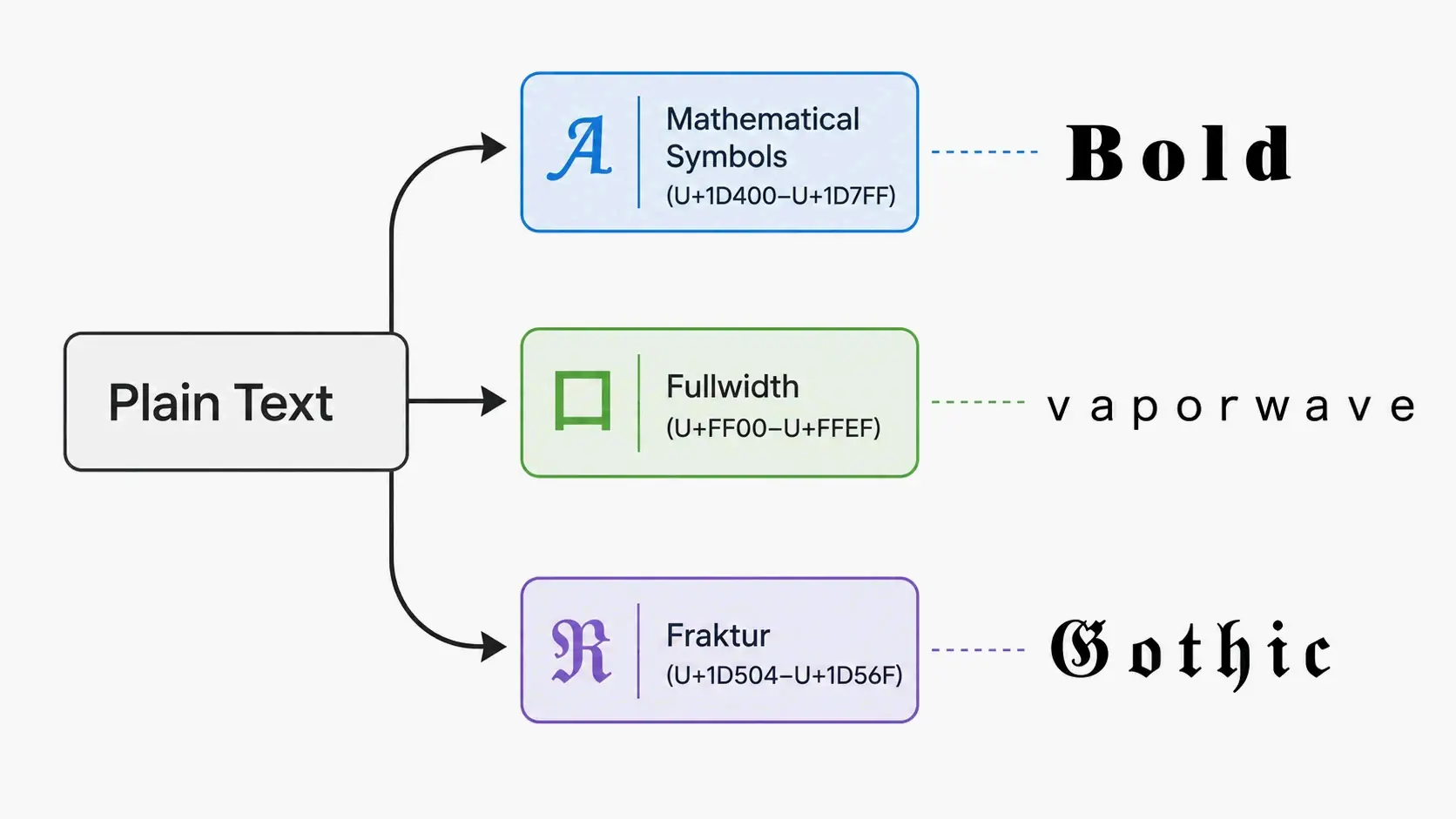
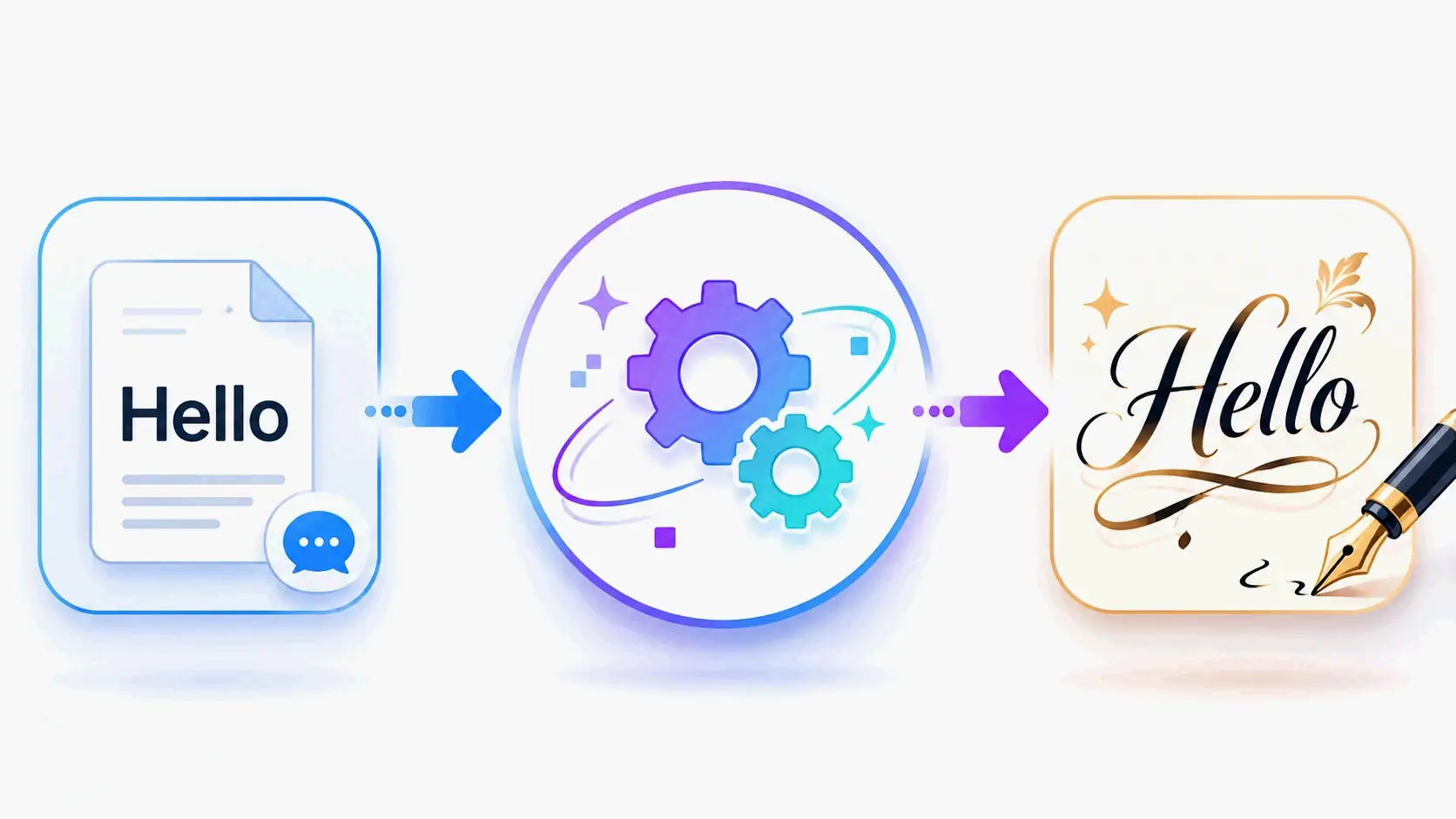
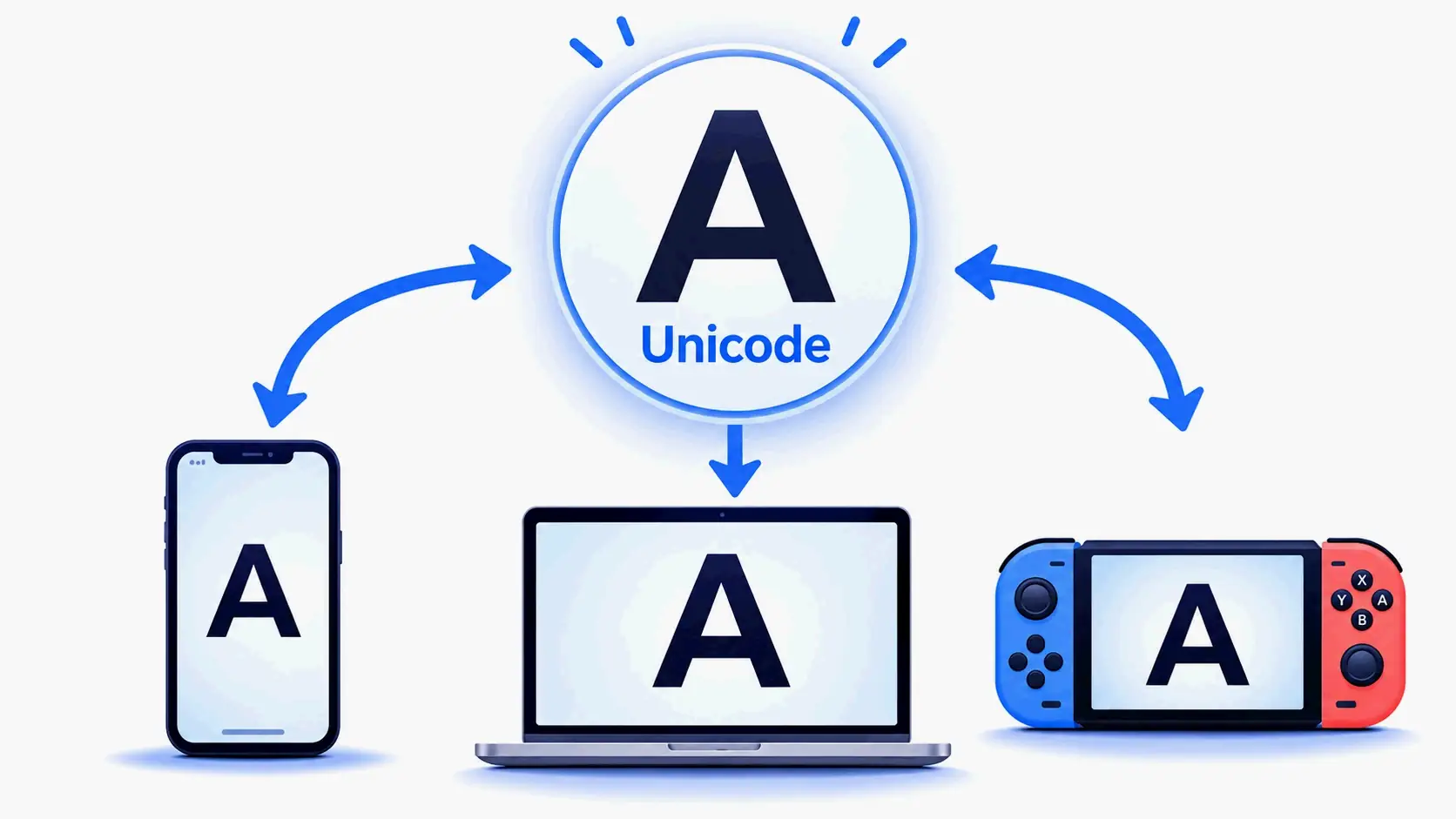
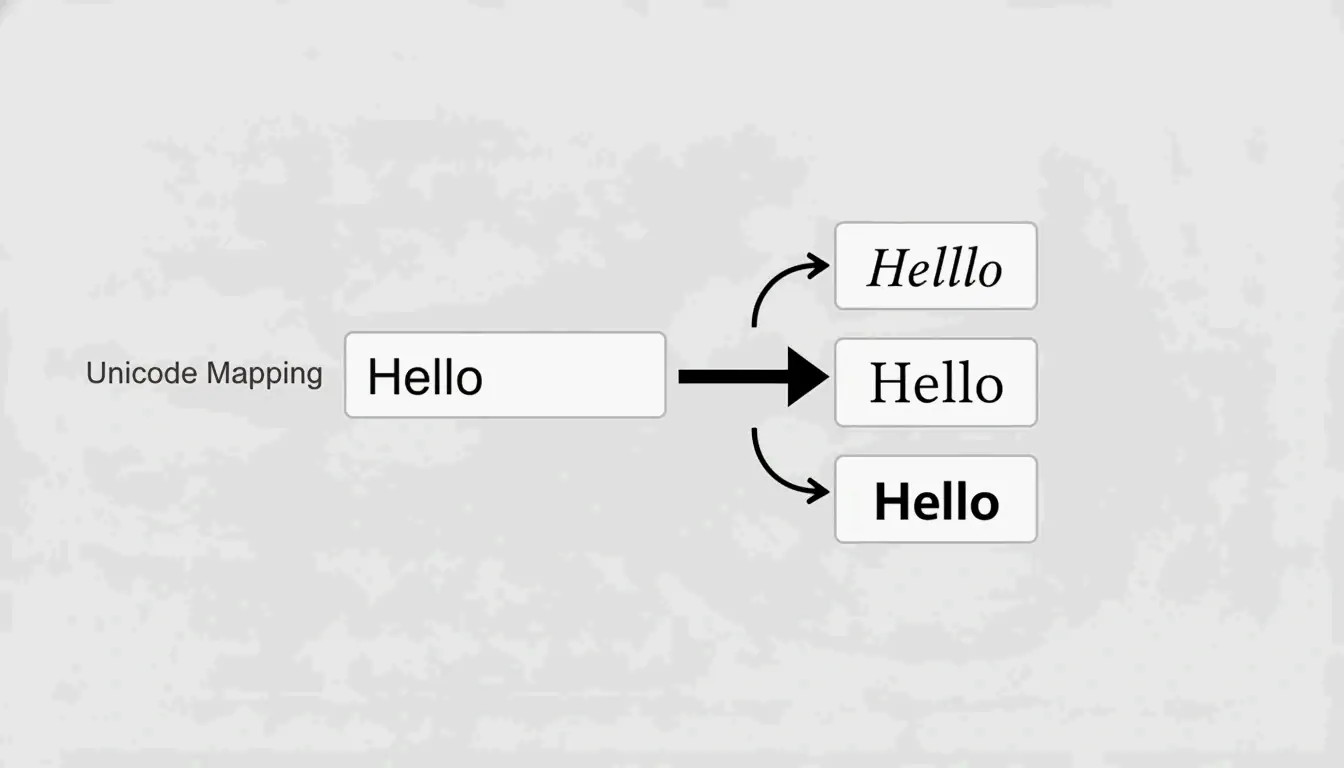
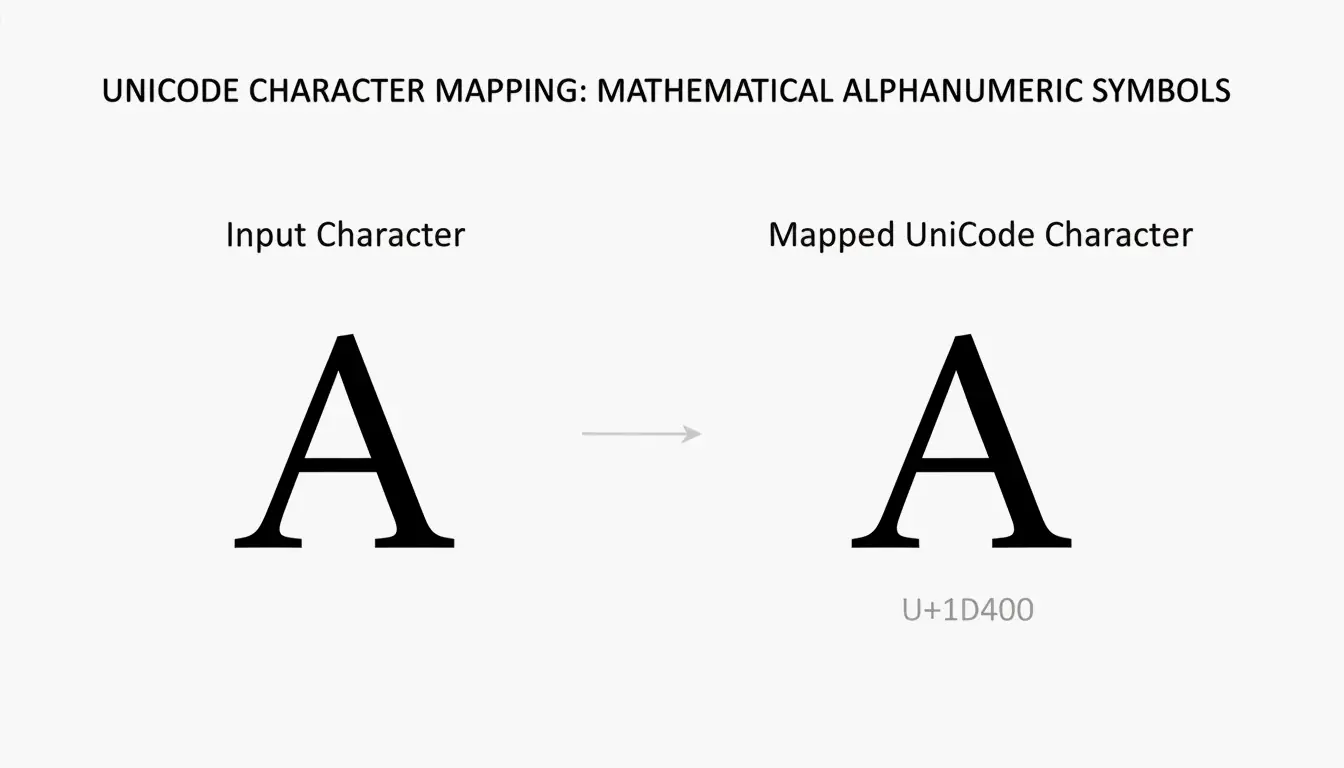
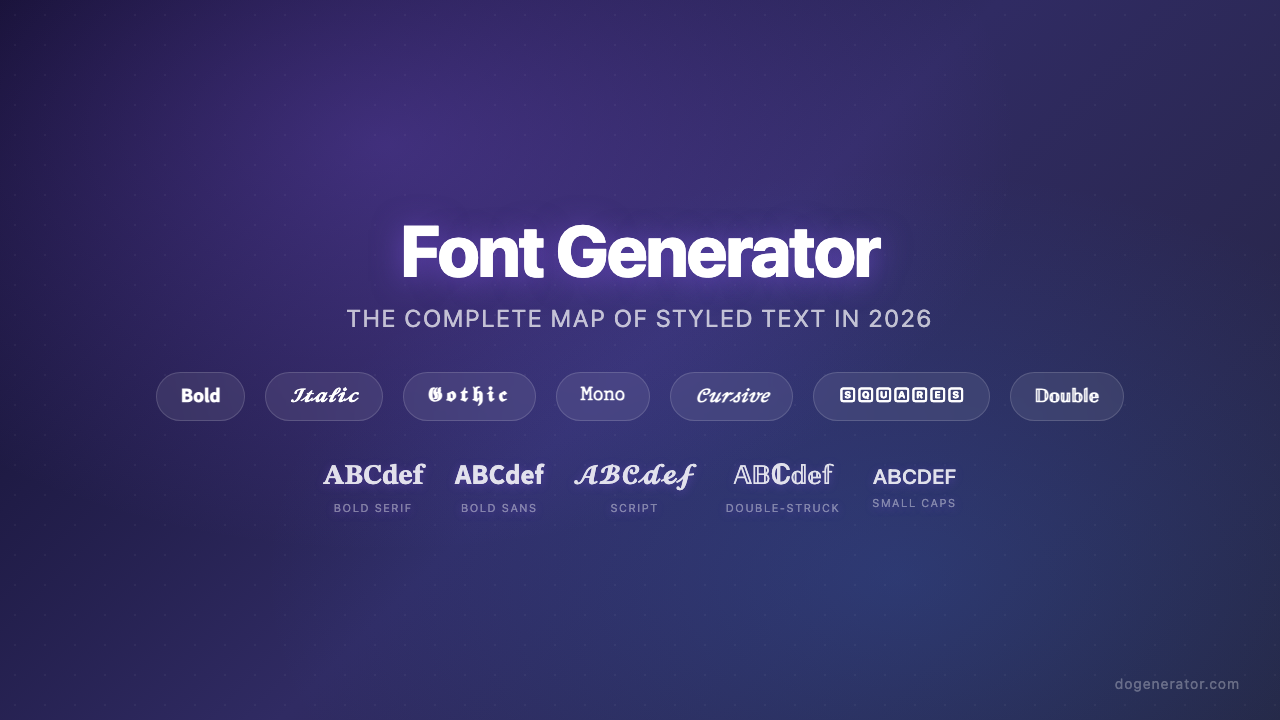
Every font generator discussed in this space rests on the same technical foundation: Unicode character substitution, not font installation. When you type “Hello” into a generator and get back a cursive version, you are not getting a new font — you are getting five distinct Unicode code points that look like cursive letters. The Latin letter A might map to U+1D400 (Mathematical Bold Capital A) or U+1D504 (Mathematical Fraktur Capital A), and each target character is already encoded in your operating system. That is why the output works on Instagram, Discord, WhatsApp, and TikTok without either side installing anything. The Unicode characters that power these transformations come primarily from the Mathematical Alphanumeric Symbols block, which covers bold, italic, script, Fraktur, double-struck, and monospace styles with the widest device compatibility of any styled-text range.
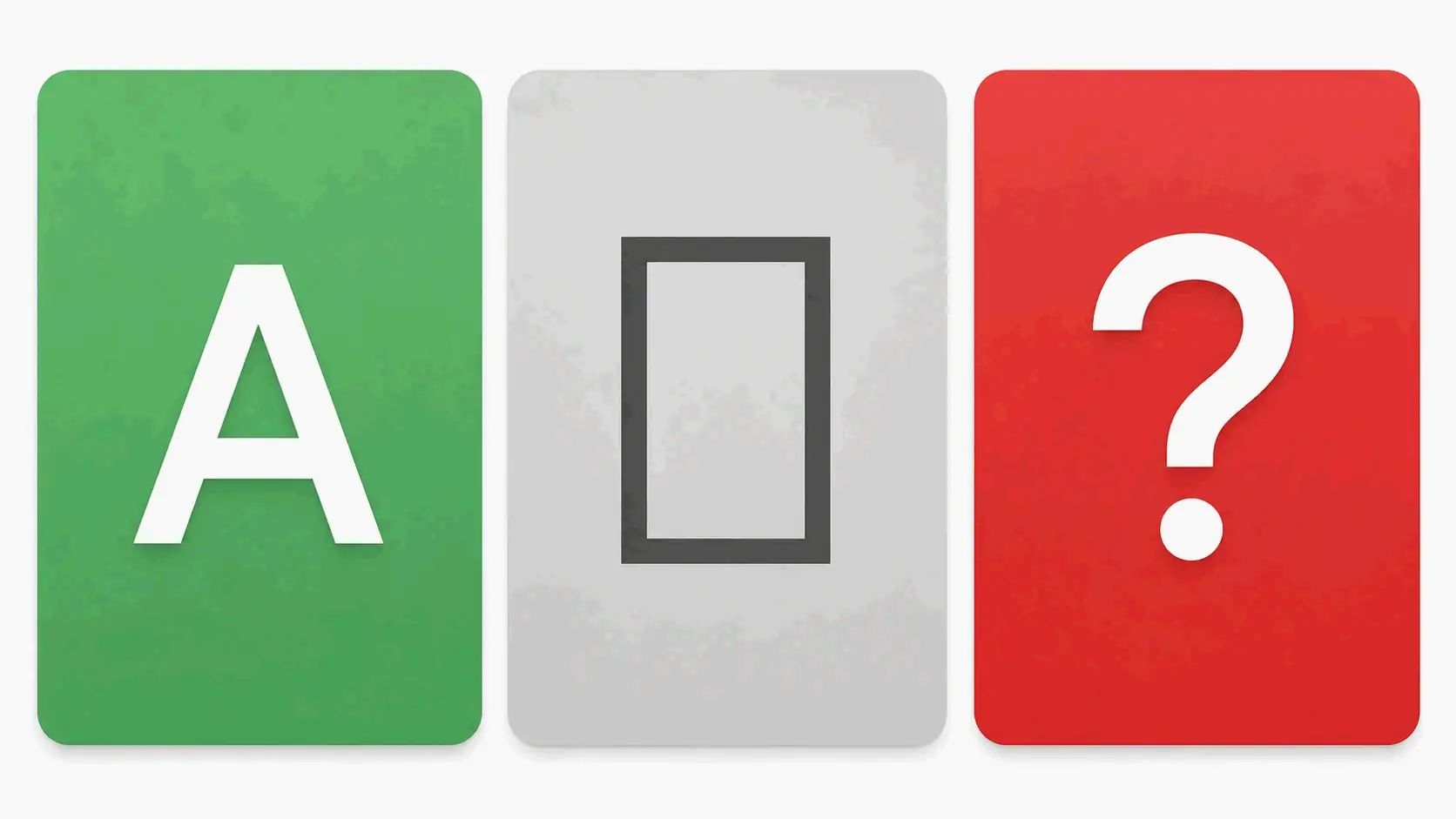
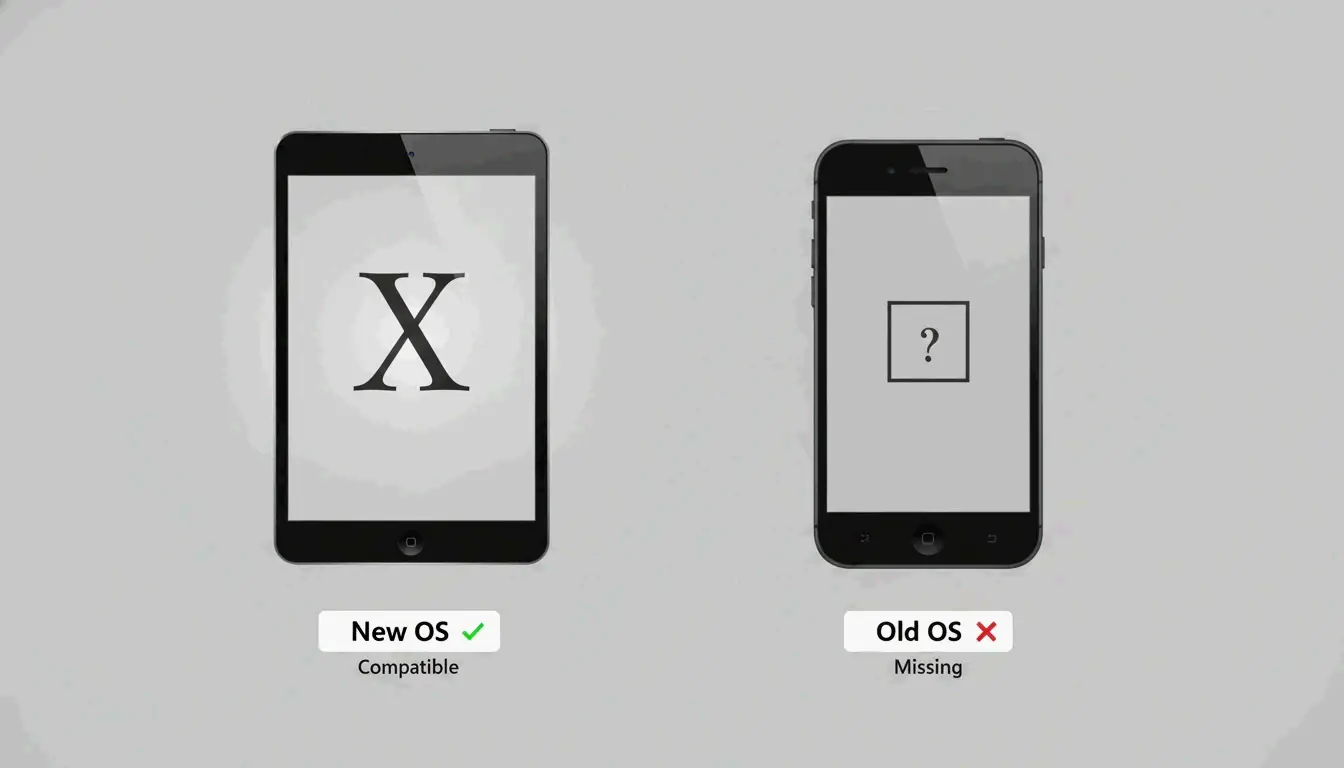
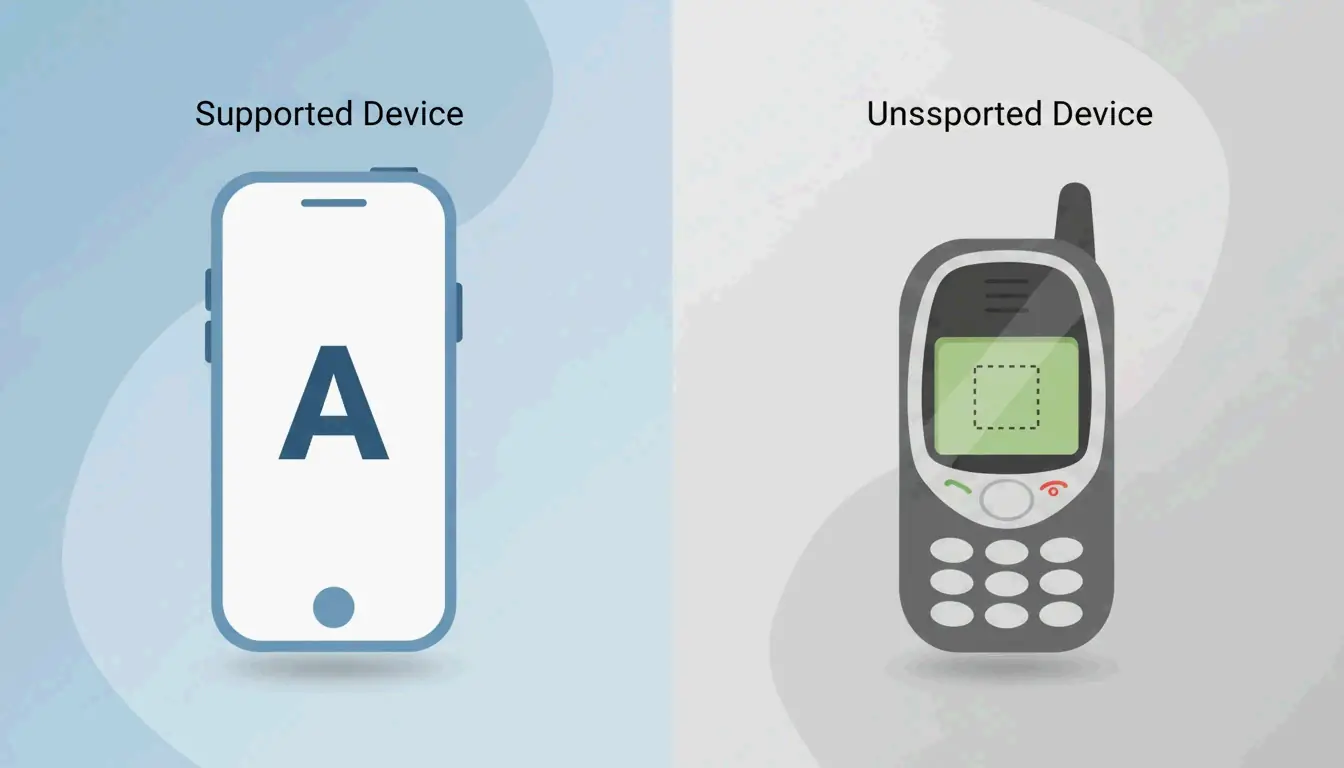
But compatibility is not uniform. Four different Unicode blocks contribute to the full style palette: Mathematical Alphanumeric Symbols for the basics, Enclosed Alphanumerics for circled characters, Fullwidth CJK characters for the Vaporwave wide-text look, and Fraktur/Blackletter blocks for gothic styles. Characters from the first block render on nearly every modern device. Characters from the more exotic blocks — particularly combining diacritical marks used in Zalgo text — produce those telltale boxes or question marks on older hardware. Understanding which block a style draws from is the single most useful technical shortcut for predicting whether your styled text will display correctly.
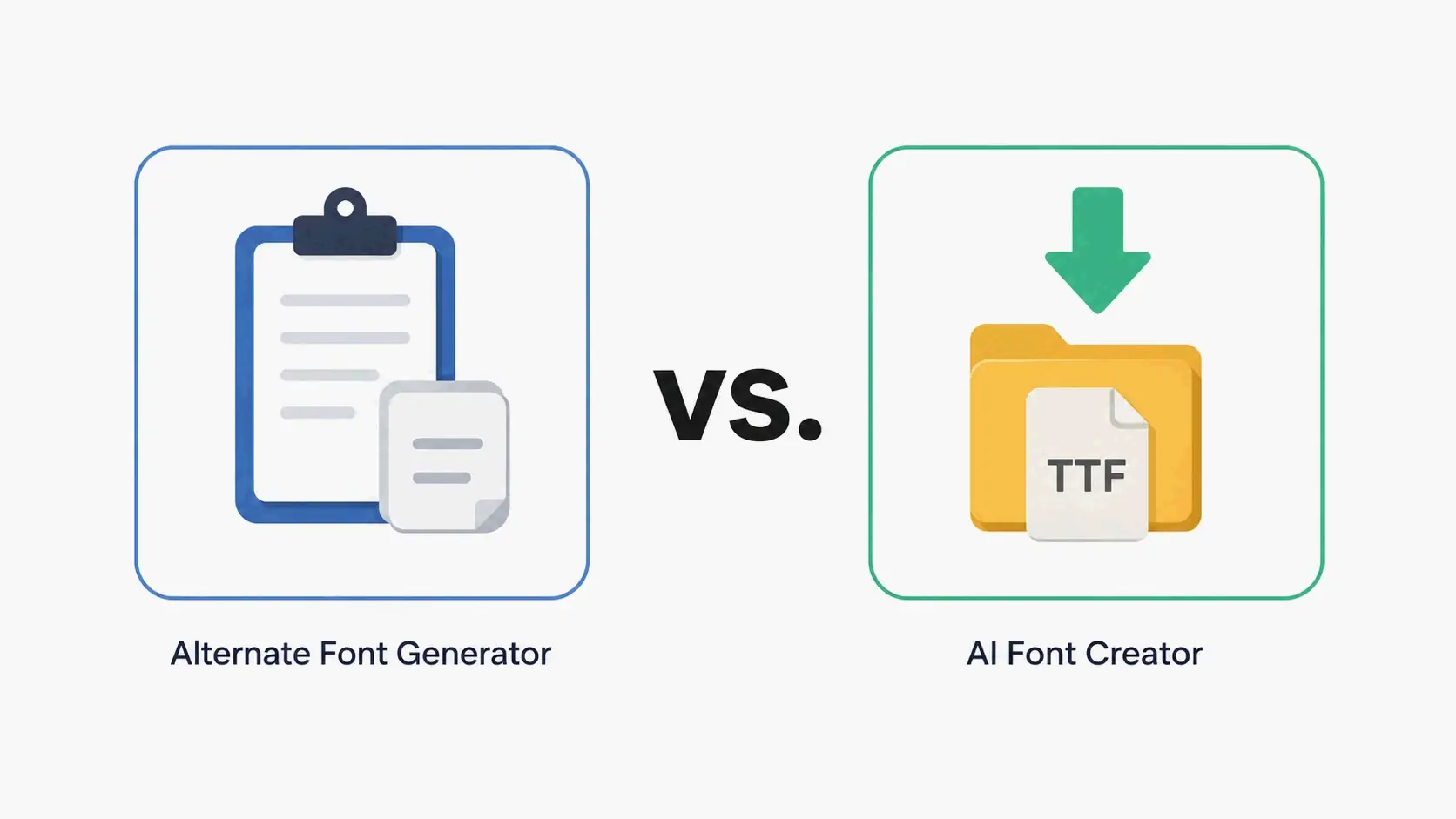
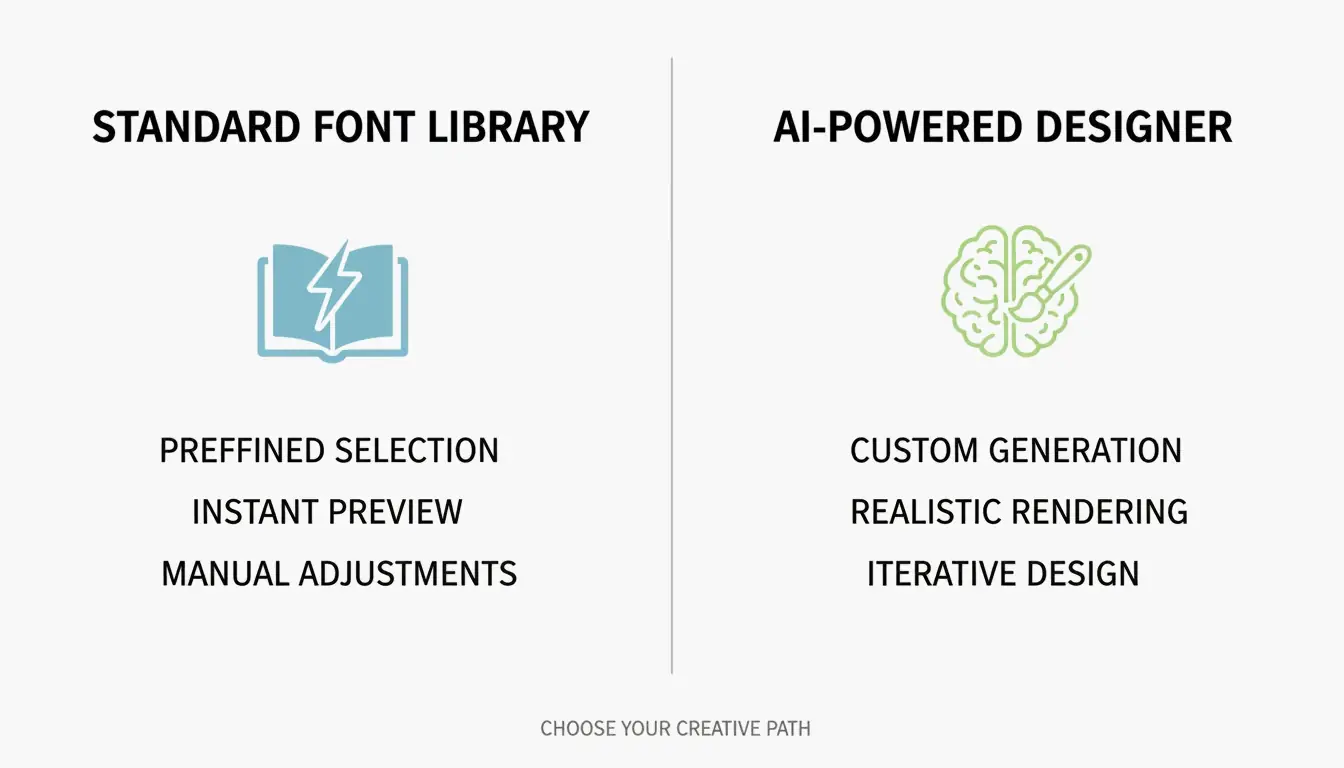
A meaningful boundary runs through this space that most users never notice. Unicode generators and AI font creators are categorically different tools. One maps existing characters; the other generates original typeface files (TTF, OTF) from scratch using machine learning. Tools like Lipi.ai can produce a commercially licensed font in about 60 seconds — a process that traditionally took months of manual glyph design. AI font generators do not replace Unicode tools; they serve entirely different needs. You use a Unicode generator when you need styled text that copies and pastes into an Instagram bio. You use an AI font creator when you need an installable typeface for a logo, a website, or a packaging design. Conflating the two leads to frustration on both sides.
From Attention to Accuracy: What Each Style Actually Does
The eight font generator categories that have emerged are not random. They map to distinct functional layers: styles designed to grab attention, styles designed to signal identity, and styles designed for precision.
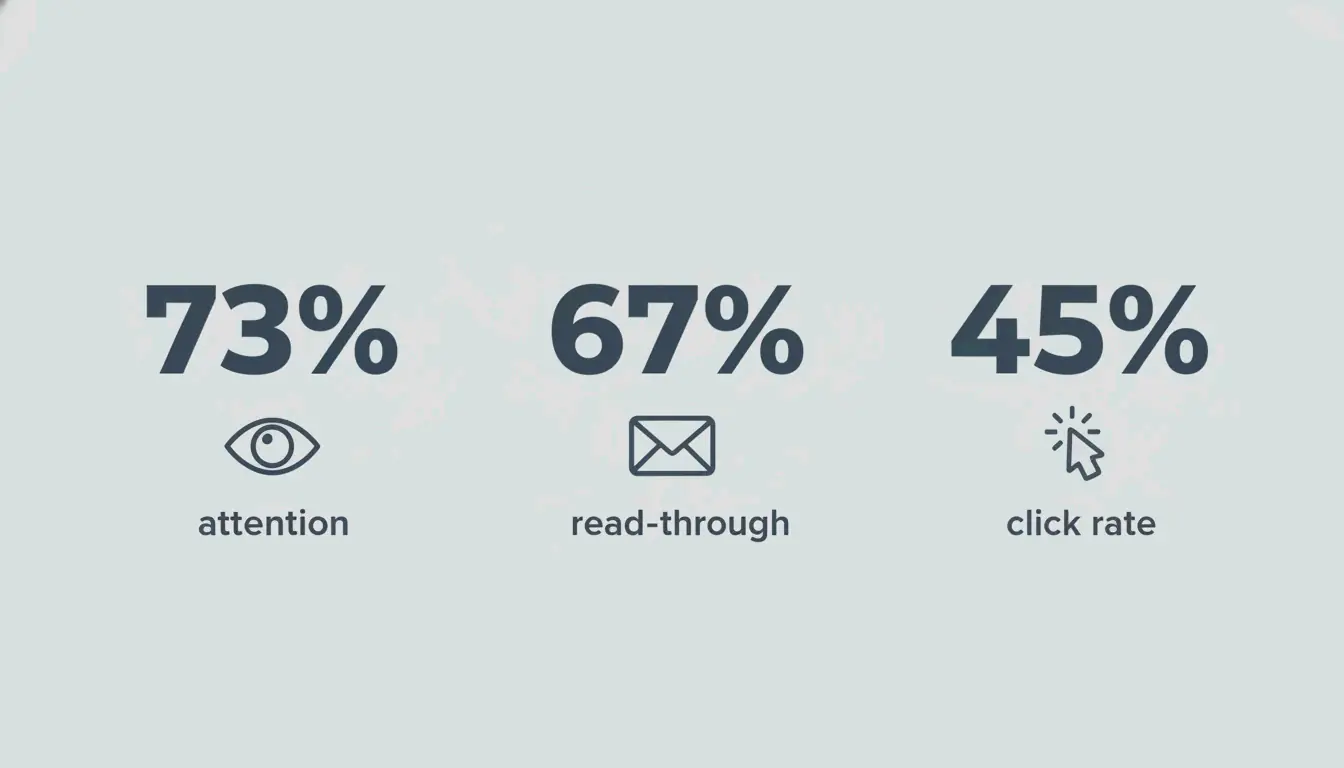
At the attention layer sit bold and aesthetic styles. Bold text exploits a neurological process called preattention — the brain directs focus to high-contrast elements before conscious thought kicks in. Eye-tracking data shows bold headlines receive 73% more visual attention than standard-weight equivalents, and A/B tests consistently document 67% higher email read-through rates and 45% higher CTA click rates. The mechanism is not subjective preference; it is hardwired visual processing. Bold Sans-Serif reads as professional and modern, while Gothic / Fraktur Bold reads as edgy and established — a gaming clan that switched to bold Gothic tags saw a 40% recruitment increase simply because the styling made them look more credible in lobbies.
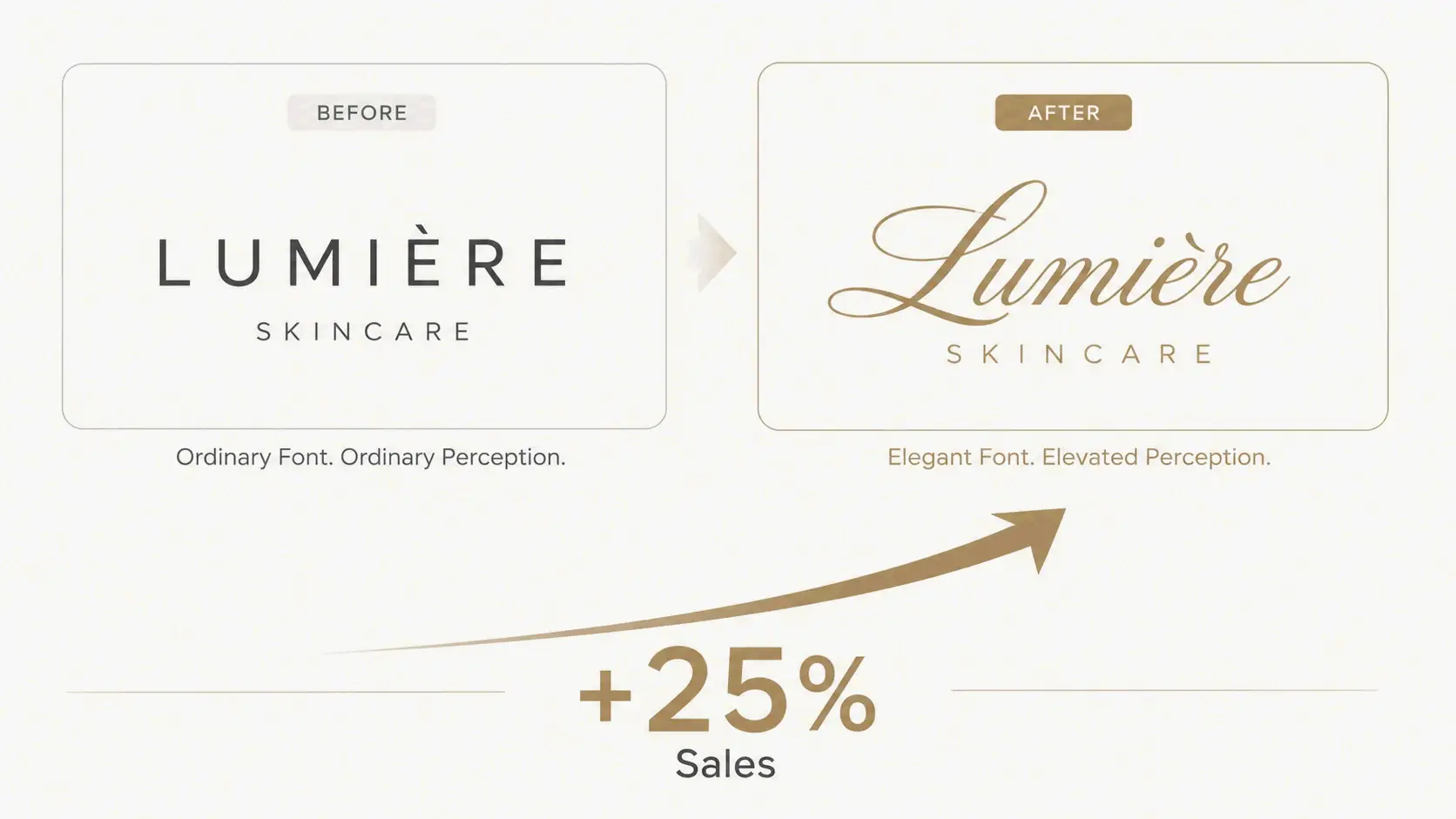
At the identity layer sit calligraphy, aesthetic, and beautiful styles. These are brand-signaling tools. A skincare brand that redesigned its logo with calligraphy fonts saw a 25% sales increase in three months because customers started associating the brand with luxury. The brand personality you define first determines which style works: script/cursive for elegance, monospace for technical credibility, fullwidth for retro energy. The data is strikingly consistent — profile visits increased 40% in two weeks for one Instagram user who switched to script aesthetic fonts, and professional and business use of styled fonts in wedding invitations produced 30% more positive responses compared to plain-text versions.
At the precision layer sit number-specific styles. The rule of thumb is straightforward: bold numbers for attention (prices, headlines), monospace numbers for accuracy (serial codes, product IDs, dates). Monospace digits eliminate the visual misalignment that proportional fonts introduce — the difference between reading “SN-000123” cleanly and second-guessing whether that is a zero or the letter O. For any context where transcription accuracy matters, monospace is not an aesthetic choice but a functional one.
Where Things Break — and What to Do About It
Platform compatibility is not a minor footnote; it is the axis along which most font generator disappointments happen. Testing shows Instagram, Discord, TikTok, Twitter, and WhatsApp render bold Unicode at near-100% compatibility, but LinkedIn strips certain Gothic and Fraktur styles, sitting at roughly 85%. The further you move from the Mathematical Alphanumeric Symbols block, the more likely you are to see rendering failures — and those failures are invisible to you until someone on an older device tells you your text shows as squares.
Accessibility is the other fault line, and it runs deeper. Screen readers often interpret decorative Unicode characters as individual symbols rather than letters, reading out “Mathematical Bold Capital A” instead of the word the letter belongs to. This is not a theoretical concern — it affects every visually impaired user encountering your styled text. The practical guidance is consistent across every cluster: style no more than 10% of your total text, keep critical information in plain text, and always provide unstyled alternatives for rules, instructions, addresses, and phone numbers. Fraktur and blackletter styles deserve special caution — their ornate strokes create readability problems even for sighted users, and they should never be used for data where accuracy matters.
Bold Text: The Performance Baseline
Readers don’t decide to look at bold text — their eyes go there first, automatically. That single fact explains why bold formatting is the most tested and most validated style in the font generator toolkit. A/B tests document a 67% higher read-through rate for bold email headlines, a 45% increase in CTA clicks, and a 40% increase in Instagram profile visits when key bio elements are bolded. The neuroscience is clear: preattention drives the eyes to high-contrast elements before the reader makes any conscious decision, which means bold text works even when the reader is not trying to notice it. The platform compatibility data is equally encouraging — bold Unicode renders correctly on every major social platform, making it the safest high-impact style available.
The Free Tool Landscape: What You Actually Get
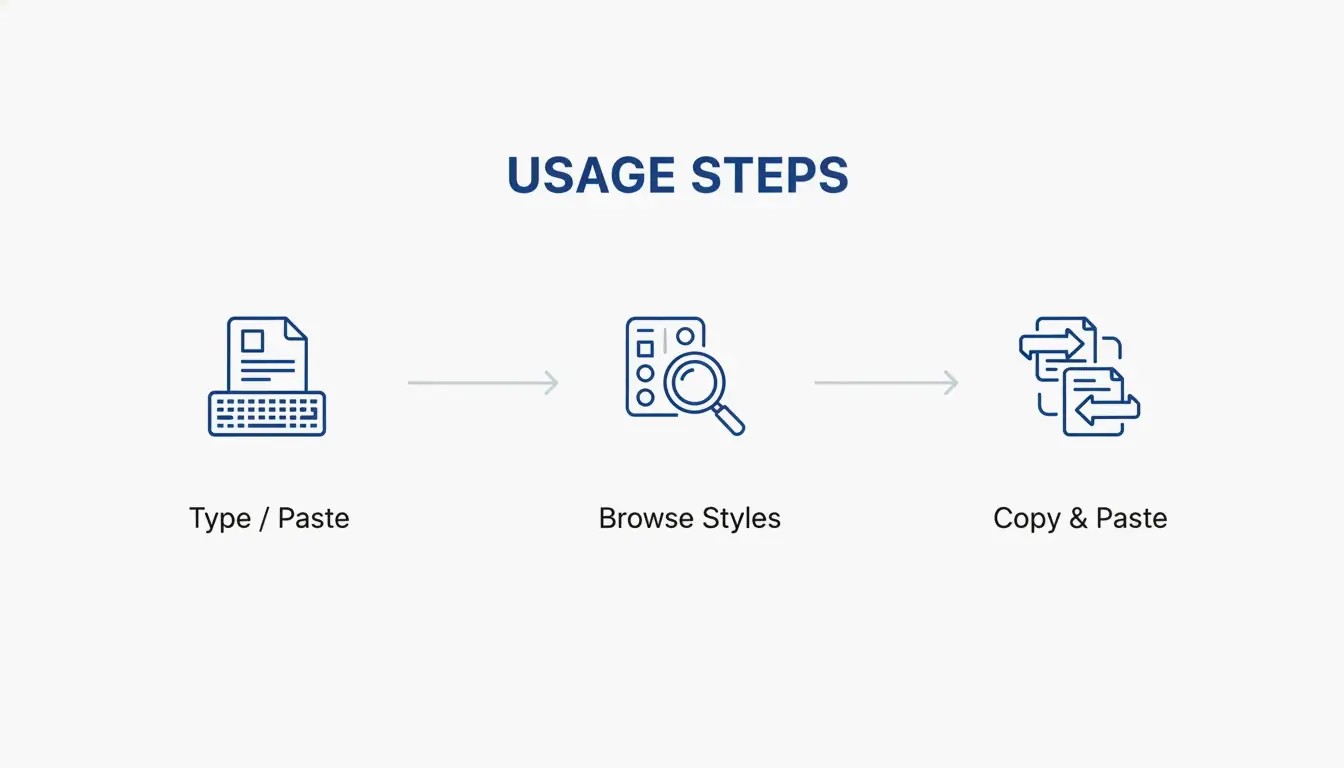
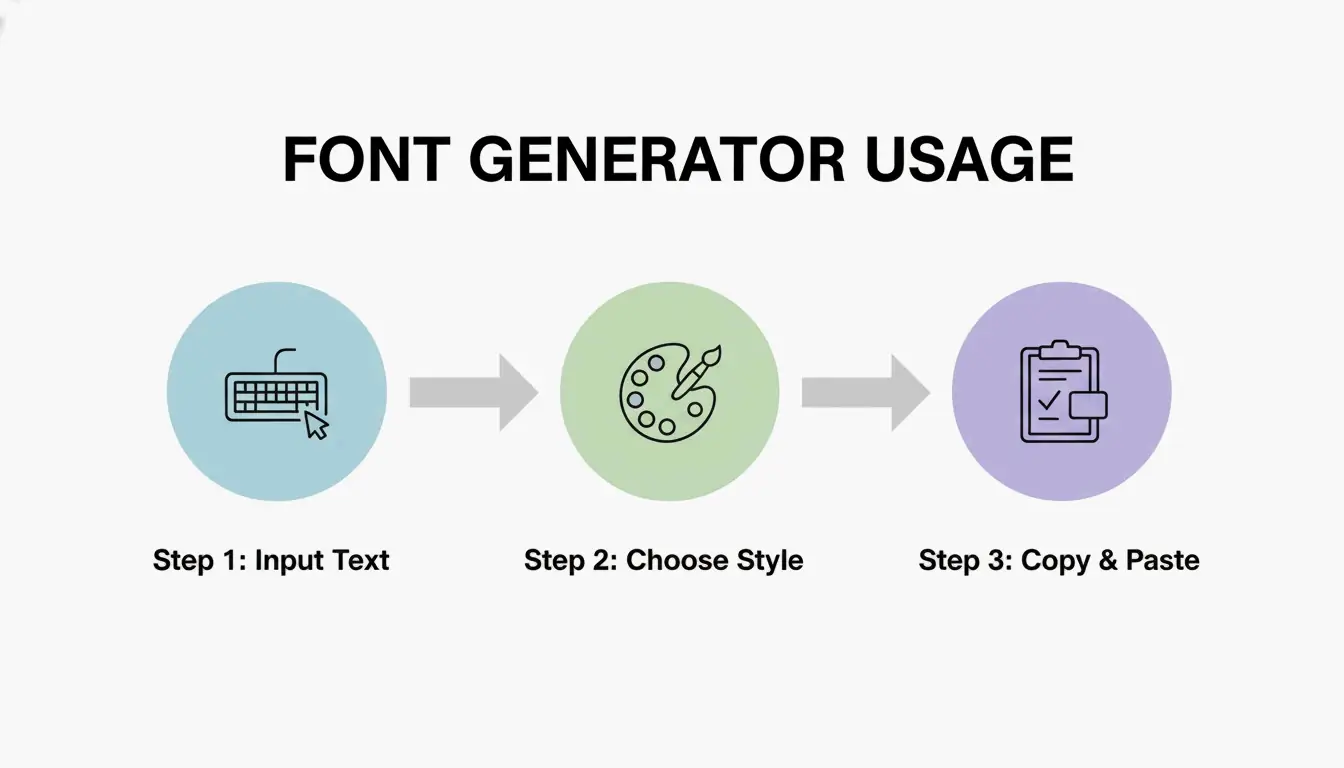
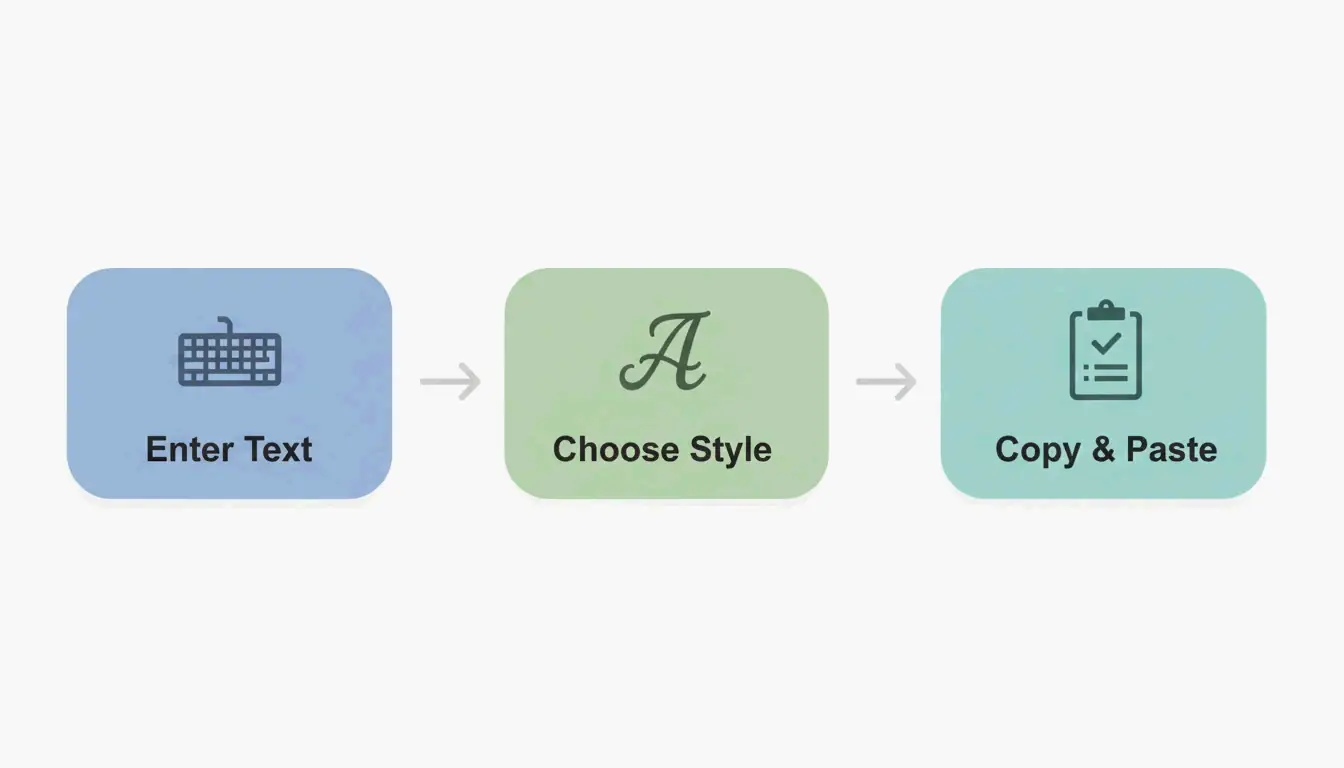
Style no more than 10% of your total text. Use styled fonts as accents, not the main event. That “10% rule” is the single most practical guideline to emerge from the free font generator ecosystem, and it addresses the most common mistake: over-styling. Free generators map plain text to Unicode characters across hundreds of styles, but the output is only as good as the restraint with which it is applied. The broadest tools cover bold, cursive, gothic, zalgo, bubble, monospace, and dozens of sub-variants, all producing copy-paste text that works without downloads. The key variable is the character limit of your target platform — styled Unicode characters often consume more bytes than their plain-text equivalents, which means an Instagram bio that fits in plain text may overflow when styled. For anyone using styled text in email subject lines, the guidance splits: tasteful styling can boost open rates, but excessive symbols or all-caps styled text can trigger spam filters.
When the Font Is Permanent: Tattoo Text
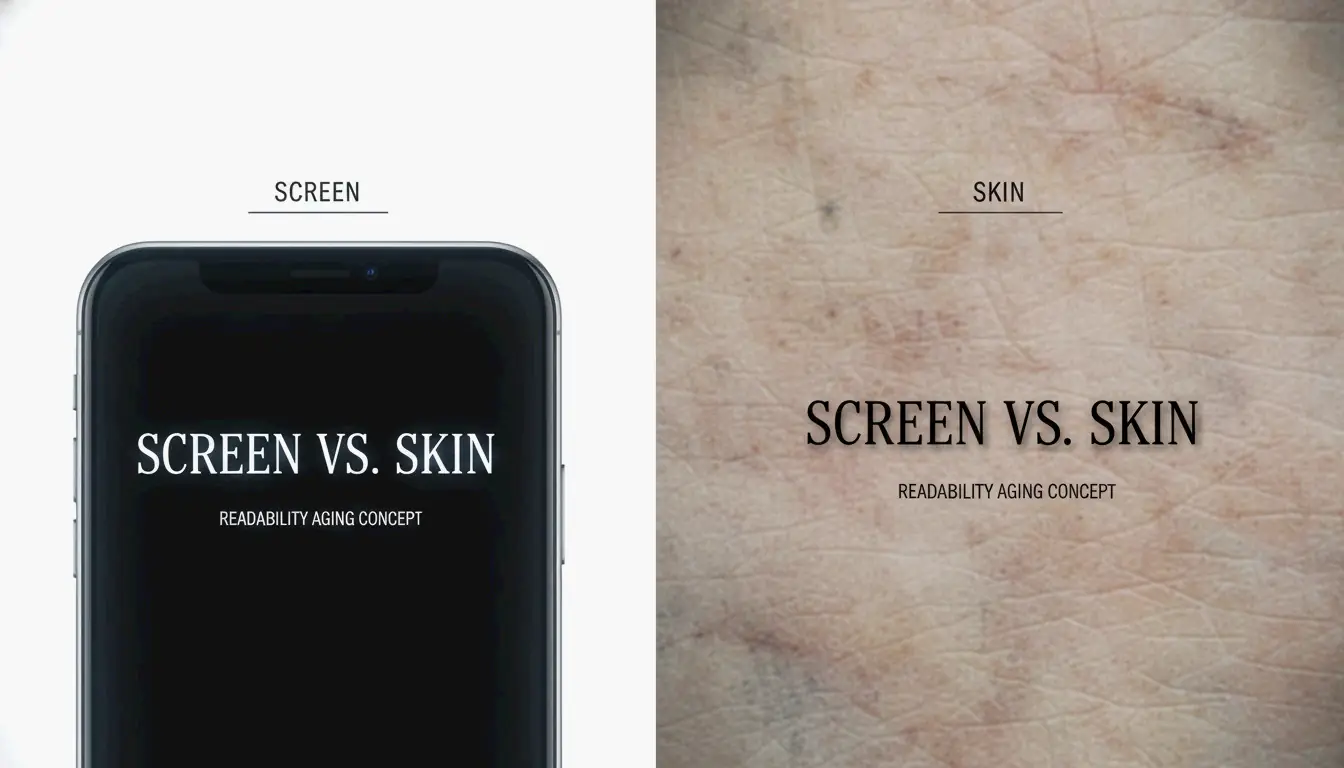
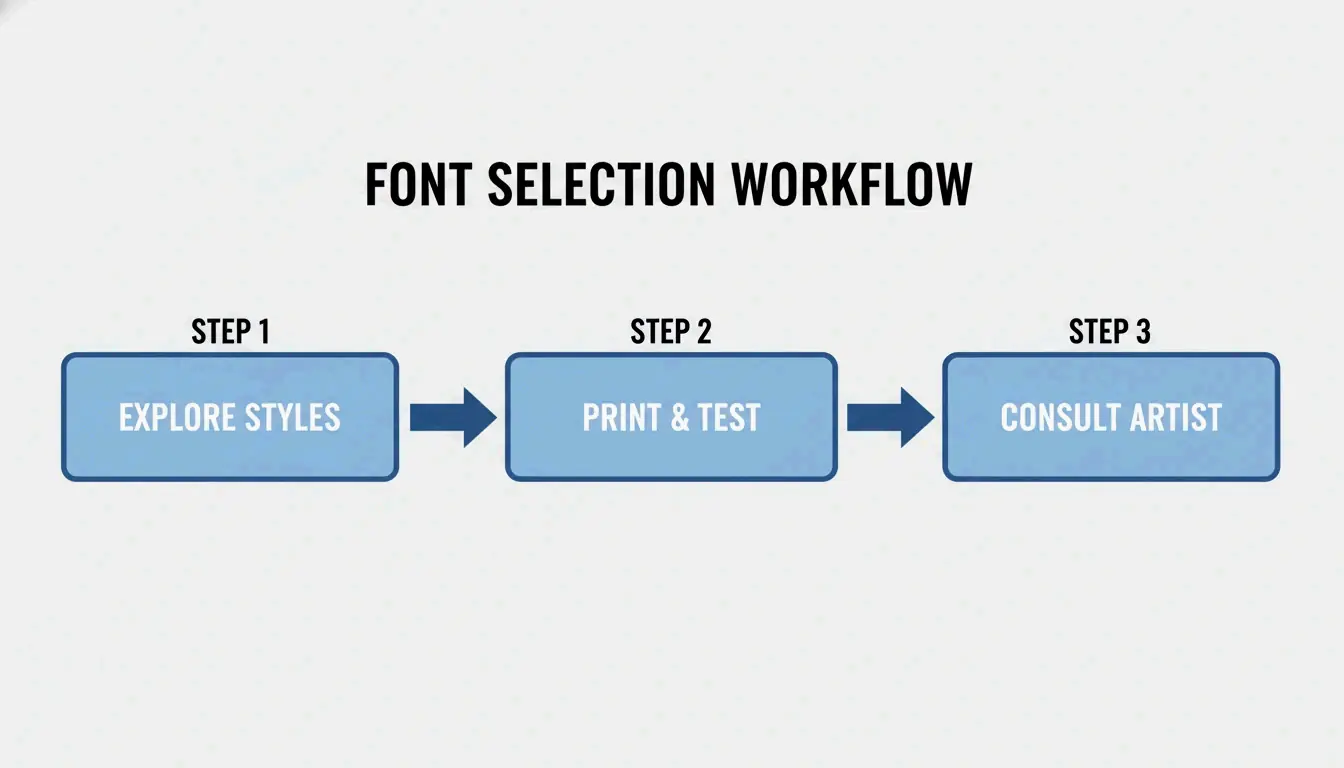
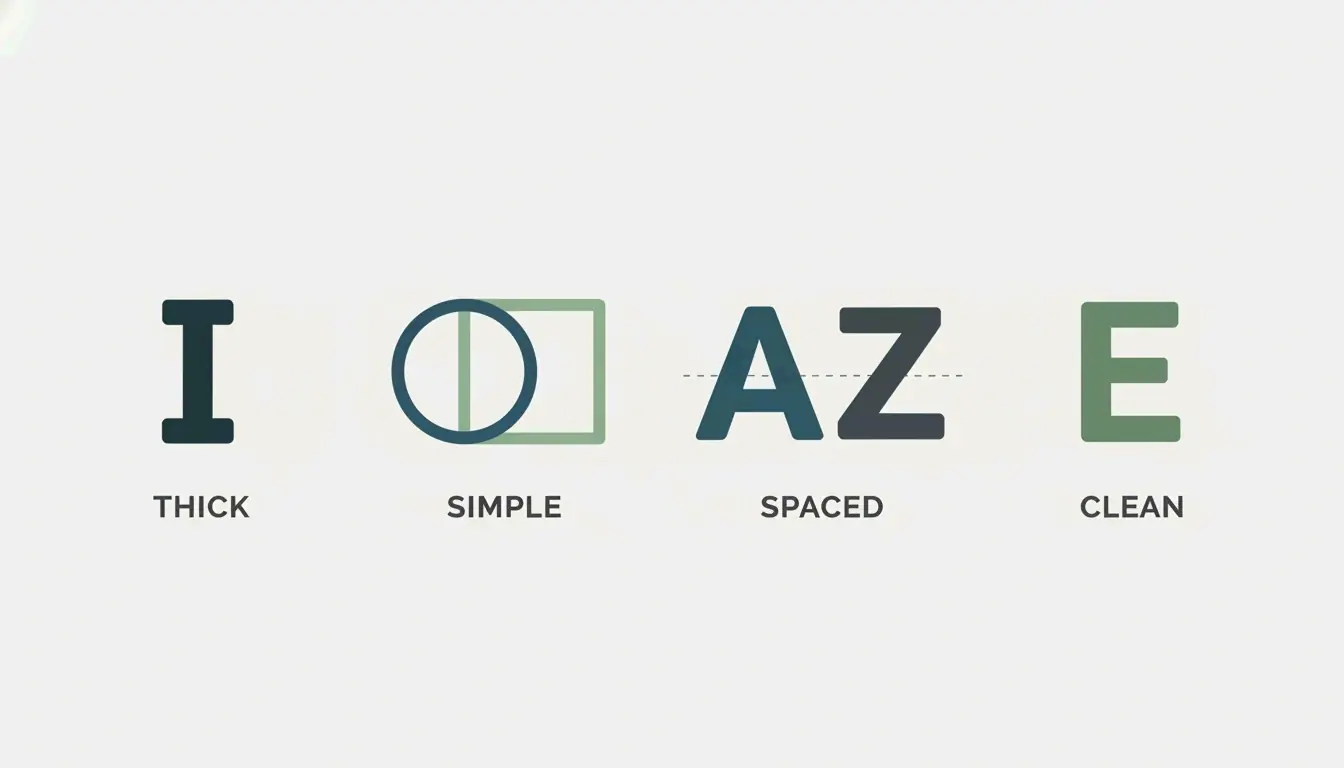
Skin is not paper. Over time, ink naturally expands under the skin, which changes how your tattoo looks. That warning, repeated across tattoo artist forums and design guides, captures the highest-stakes application of font generators: text that will literally be on your body for decades. The tattoo context introduces considerations that no other use case faces — fonts that age well share four specific traits: thicker strokes, simple shapes, good spacing, and low detail. Ultra-thin script tattoos lose readability as ink spreads, and tight spacing causes letters to blend together over years. The non-negotiable step is the print test: printing the generated text at actual body size and living with it before the appointment, because retina displays make everything look sharper than it will appear on skin. Gothic & Blackletter styles are particularly popular for tattoo text because their bold stroke weight resists the fading and blurring that destroys finer scripts over time.
Elegance at Scale: Calligraphy for Brand and Event
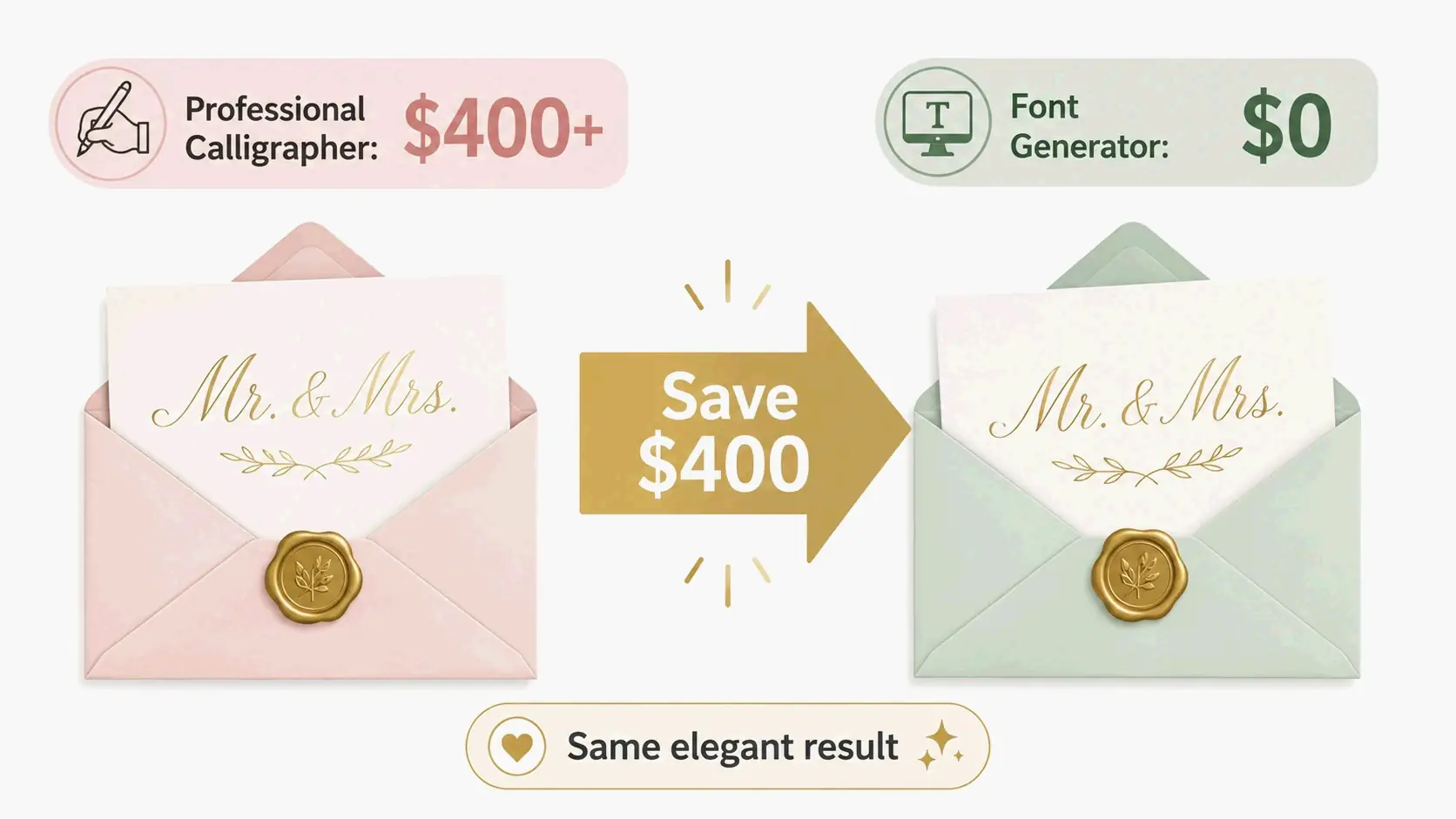
Customers started associating the brand with luxury because of the elegant calligraphy. That reaction — documented by a skincare brand that saw a 25% sales increase after a calligraphy logo redesign — illustrates the commercial power of calligraphy styling. Calligraphy font generators sit at the intersection of personal expression and professional design: they save individual users over $400 on wedding invitations compared to hiring a professional calligrapher, and they help professional designers increase profit margins by up to 40% on branding projects by using generators as rapid prototyping tools. The critical decision point is readability and scalability — testing the chosen font on a mobile screen, a business card, and a billboard mockup before committing, because a calligraphy style that looks elegant on a monitor may be unreadable at business-card size.
Aesthetic Styles as Brand Identity
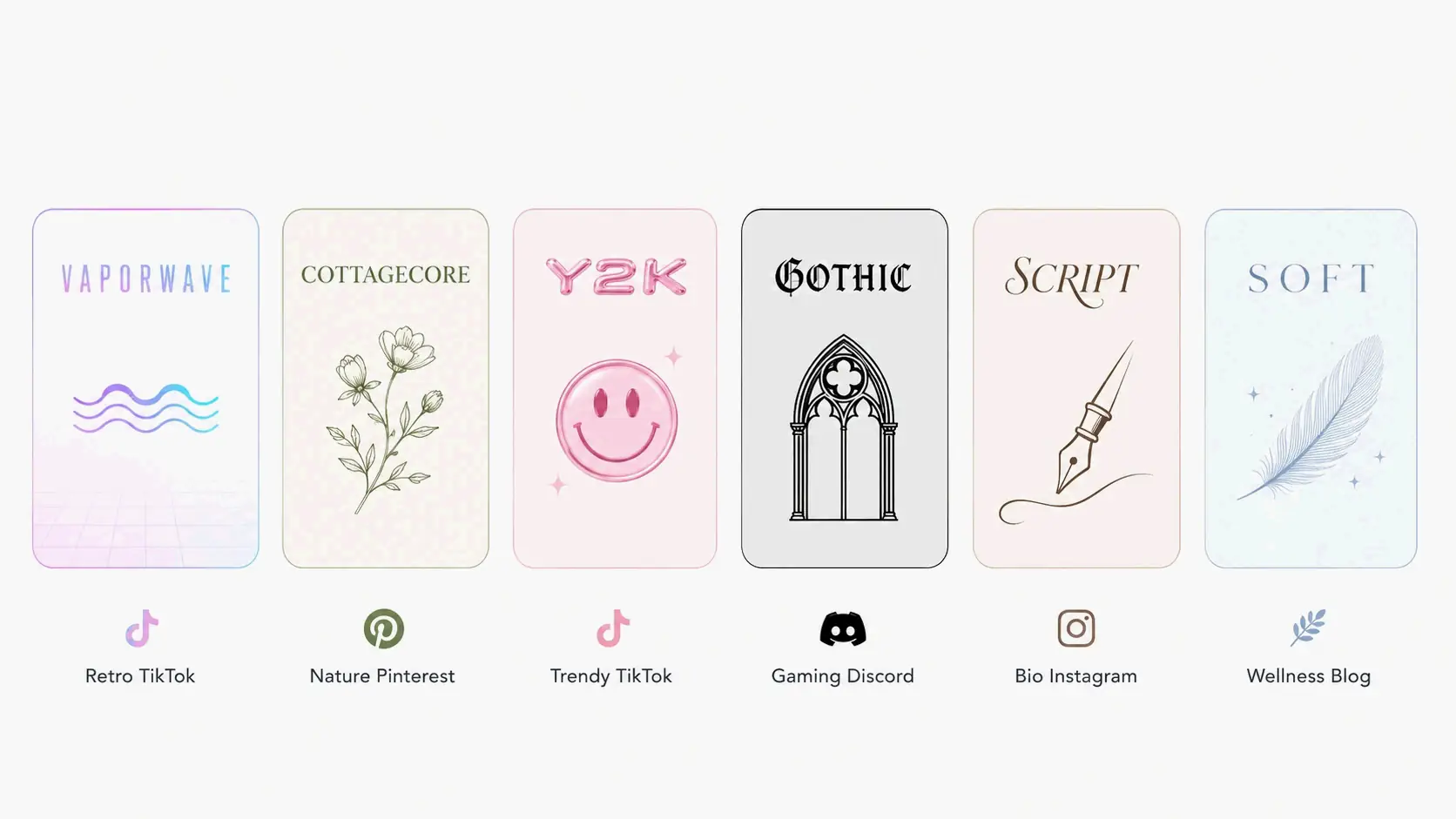
Over 40% of users choose script styles, making them the most popular category in the aesthetic font generator space. But the real insight is not which style wins the popularity contest — it is that the aesthetic font landscape is now organized by cultural subcultures rather than technical categories. Vaporwave maps to Fullwidth CJK characters and 80s-90s nostalgia. Cottagecore maps to flowing scripts and nature content. Y2K maps to bubbly rounded characters and early-2000s energy. These mappings turn a technical Unicode selection into a brand identity decision, and the Mathematical Alphanumeric Symbols block underpins most of them. The engagement data reinforces the investment: one Instagram user documented a 40% increase in profile visits within two weeks of switching to script aesthetic fonts, and a Discord user who changed their username to double-struck style saw friend requests triple.
The Decision Framework: Beautiful Fonts for Every Context
One clan changed their tag from [APEX] to a Unicode-styled version and applications tripled. That anecdote from the Discord gaming world is a microcosm of what the right font style does at every scale — it signals credibility before the content even gets read. The most actionable resource to emerge from this space is the font selection matrix that maps nine brand and event types to specific Unicode styles: Cursive/Script for Instagram bios, Bold/Gothic for gaming, Calligraphy for weddings, Monospace/Sans Bold for tech brands, and so on. Each pairing is backed by reasoning about why that style works in that context, including the specific Unicode block it draws from and platform compatibility tradeoffs. The Unicode 16.0 update has expanded the available character set with new bold italic sans-serif variants, meaning some styles that previously had missing letters now render more completely — a quiet but meaningful improvement for anyone using the full style range.
Numbers: The Overlooked Variable
The rule of thumb: bold for attention, monospace for accuracy. Number-specific font styling is the most overlooked dimension of the font generator space because most people think of font styling as an alphabet problem. But digits appear in prices, dates, serial codes, phone numbers, and version numbers — contexts where the right style is not just cosmetic but functional. The distinction between a bold number that draws the eye to a price point and a monospace number that keeps serial-code digits aligned and readable is the difference between a styled text that helps and one that confuses. Search engines treat styled digits as normal text characters with no ranking benefit or penalty, so the decision is purely about human readability — and for phone numbers, addresses, and product codes, that readability is not optional.
Alternate Styles and the Edges of the Map
If you search for “font generator” expecting to create a custom typeface, you might be disappointed by a Unicode tool that only offers preset styles. That tension — between the tool people imagine and the tool that actually exists — is the defining confusion of the alternate font generator category. The five most common style families (cursive/script, gothic or Old English, Zalgo text, bold/italic/double-struck, and circled/squared) cover the overwhelming majority of use cases, but they are preset substitutions, not custom creations. The style-selector guide maps each to its best platform: Gothic for Discord nicknames and gaming, Cursive for TikTok display names and Instagram, Zalgo for horror-themed content. For anyone hitting rendering failures, the diagnostic is always the same — check whether the style draws from the Mathematical Alphanumeric Symbols block (safe) or from more exotic ranges that may not be in your device’s font repertoire.